
 Home
Home  Apps
Apps  Games
Games  Windows
  Terms of Service
  Cookies & Privacy Policy
  About us
Baby Panda's Town: Home

 4.1
4.1 50,000,000+ Downloads
8.73.37.00 Version


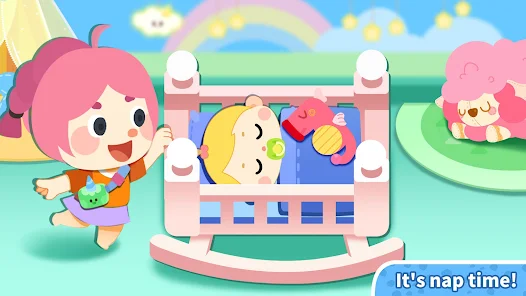
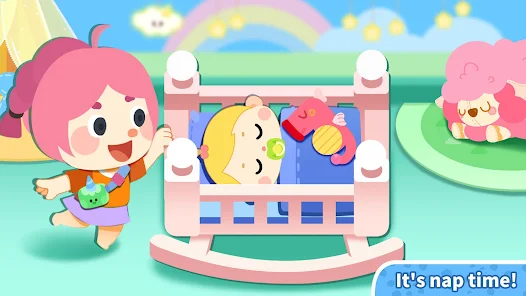
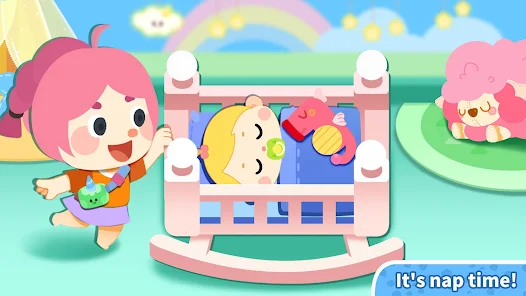
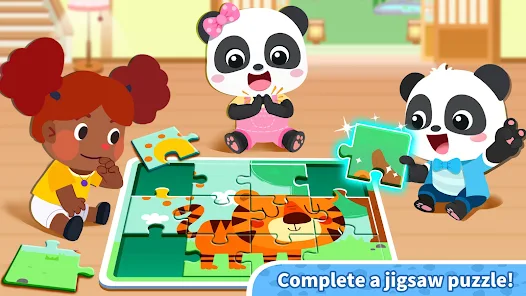

Information
- Category: Simulation
- Price: free
- Age Rating: Everyone
- Available on: Android, Windows*
- Developer: BabyBus
- Updated on: May 26, 2026
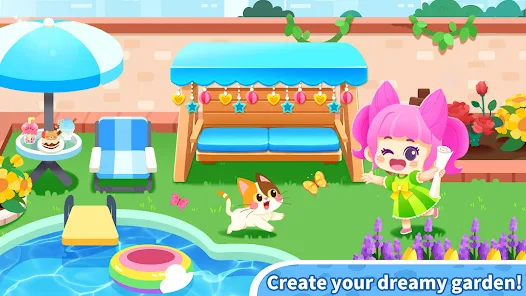
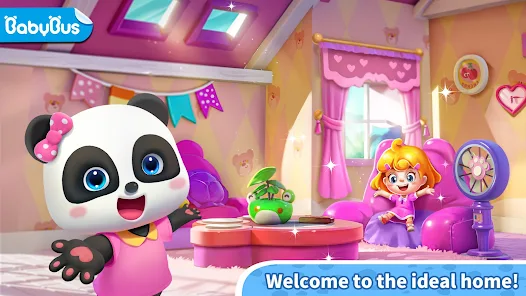
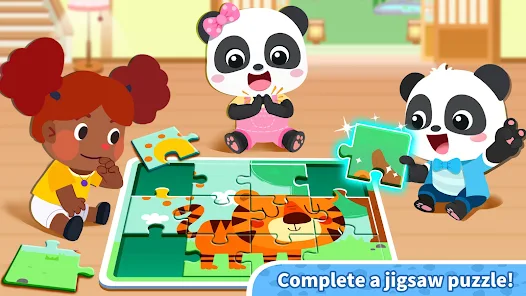
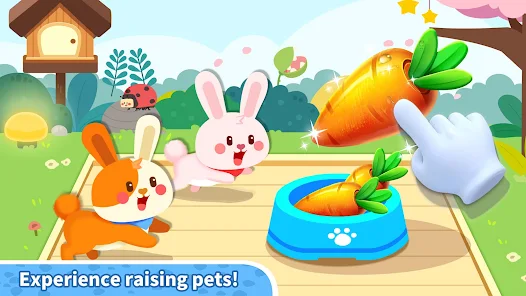
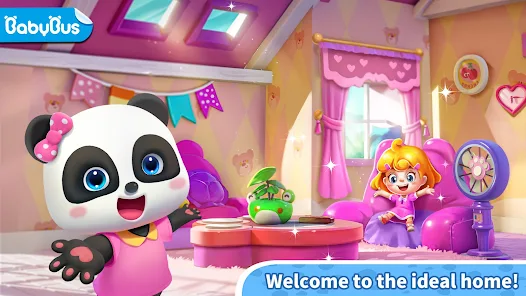
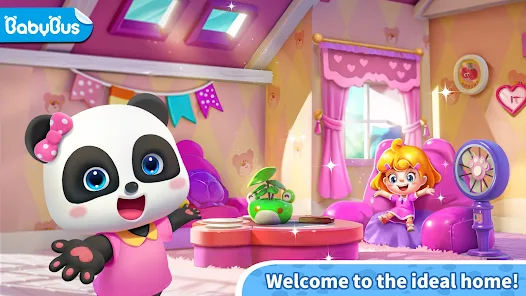
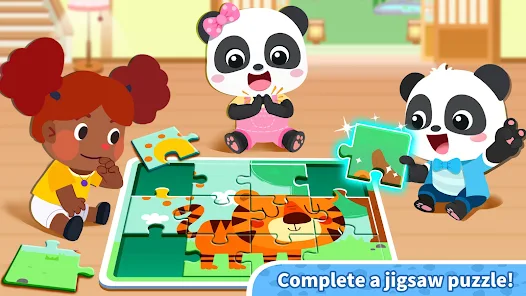
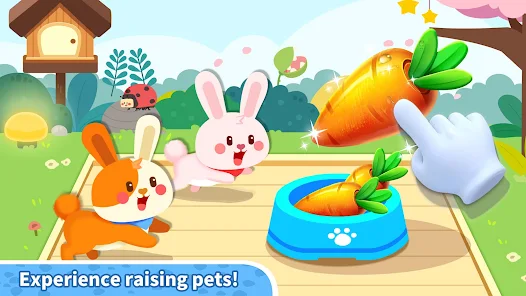
Welcome to "Baby Panda's Town: Home"! Dive into a vibrant world where your little ones can explore, play, and learn. Join Baby Panda and friends as they discover various activities, from cooking delicious meals to caring for adorable pets. With engaging mini-games and interactive experiences, children can unleash their creativity and develop essential skills in a fun, safe environment. Let the adventures begin in Baby Panda's cozy town!
Features & Highlights
Real Experience Using Baby Panda's Town: Home
Application Scenarios
As a parent, I often find myself looking for engaging and educational content for my little one. Baby Panda's Town: Home has become a staple in our daily routine, especially during rainy days when outdoor play is limited. Just last week, we spent an afternoon exploring the app’s various environments. My child loved pretending to be a chef in the kitchen, whipping up imaginary meals and serving them to our family of pandas. It transformed our living room into a bustling restaurant, and I watched as my child’s creativity flourished with each dish they “prepared.”
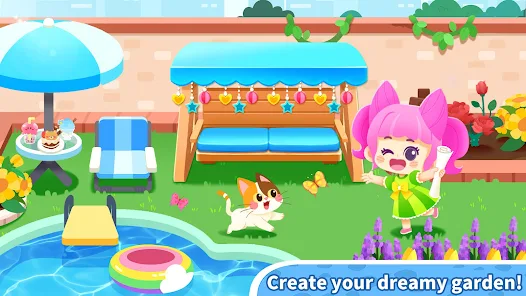
Another scenario where the app shines is during playdates. My child and their friends often gather around to compete in virtual gardening. They work together to grow flowers and vegetables, sharing tips and tricks, which fosters teamwork and social interaction among them. It's heartwarming to see how the game encourages collaboration and communication while they laugh and learn.
User Experience
The user interface of Baby Panda's Town: Home is incredibly intuitive, with bright colors and engaging animations that draw children in. Navigating through the app is seamless; each section is clearly labeled and easily accessible, which means my child can explore independently. The workflow is designed to keep kids engaged without overwhelming them—activities are presented in a logical order, allowing for a smooth transition from one task to another.
Performance-wise, the app runs smoothly without any lag, and the graphics are delightful. The characters are charming and expressive, which adds to the overall enjoyment. After using the app consistently, I’ve found it to be a fantastic tool for not only entertainment but also educational growth. Watching my child learn while playing has been a rewarding experience for both of us.
Pricing
Baby Panda's Town: Home is free to download with optional in-app purchases. The app offers a wide range of activities without the need for a subscription, making it budget-friendly for families. However, some content may require a small fee to unlock additional features, which can be a worthwhile investment given the educational value provided. Overall, the pricing strategy offers a great balance between free play and premium options.
Updates & Support
The developers of Baby Panda's Town: Home are quite active in providing updates and support. I’ve noticed regular updates that introduce new features and seasonal content, keeping the app fresh and engaging for my child. Additionally, customer support is responsive, with a dedicated team ready to address any concerns or questions. This commitment to improving the app ensures that it remains a safe and enjoyable space for children.
Security & Privacy Review
When it comes to security and privacy, Baby Panda's Town: Home excels in providing a safe environment for children. The app is available on both the App Store and Google Play, where it has received positive reviews regarding its content and functionality.
In terms of registration, the app does not require personal data from users, which is a significant relief for parents concerned about privacy. The absence of registration means there are no personal details required, and children can dive straight into play without any hassles.
Moreover, Baby Panda's Town: Home is free from intrusive ads and tracking behaviors, which is a crucial consideration for American users. Parents can feel confident that their children can enjoy the app without being subjected to unwanted advertisements or data collection practices. This focus on security and privacy makes it an excellent choice for families seeking a trustworthy app for their little ones.
Pros 
-
 Explore fun mini-games!
 - Enhance creativity with design!
- Safe and engaging for kids!
- Interactive storytelling moments!
- Learn about daily routines!
Cons 
-
 Limited educational value
 - Repetitive gameplay experience
- In-app purchases can add up
- Ads may disrupt user experience
Get Installation Details  Google Play
  App Store
Google Play App Store User Reviews
(23.7K Reviews) Sulochana Desineni2026/05/15
this is fantastic bro ,it is fabulous and goooooood game but u should give even more updates but u should also remove money for some it would be even more better then please and thanks for this game
- Bratati Biswas2026/06/05

it's very relaxing for everyone Parents can give it to 5+ age children Overall it's nice ❤️ You have to give money to play Bad now I understand I am not satisfied with
- Abid Jutt2026/06/03
it's really a good game but the music 🎵 house is small other wise it's a great game.🥰😍
- Kakuli Dey2026/04/28
It is very interesting to clean the house, cook, the wash room is also very nice and the most interesting thing comes that we can go out of the house
- Nour Emad2025/06/27
This game is amazing and I really like it❤️, but it has a problem. I can't go to any place because there's 3 places only to explore. Where is the town? 3 places only and there are some of places are locked (with money💵). I'm really sorry to say that this game is useless . You should make some places (for free). Because no one can play this game. Thank you baby bus for reading my message. If you have a solution tell me☺️.
Review Source: Google Play store public user reviews.
FAQ
Are there educational elements in Baby Panda's Town: Home?
Yes, the game incorporates educational elements, such as teaching basic life skills, encouraging creativity, and promoting social interactions through role-playing scenarios, all in a fun and engaging way.
Can I play Baby Panda's Town: Home offline?
Yes, Baby Panda's Town: Home can be played offline, allowing children to enjoy the game without needing an internet connection. This makes it convenient for use in various settings, such as during travel.
Can my child customize their characters in Baby Panda's Town: Home?
Yes, players can customize their characters with different outfits and accessories, allowing children to express their creativity and create unique identities for their characters.
How can I manage my child's playtime in Baby Panda's Town: Home?
Parents can set time limits on gameplay or use built-in parental controls to monitor and manage their child's playtime, ensuring a healthy balance between screen time and other activities.
Is Baby Panda's Town: Home suitable for all ages?
Yes, Baby Panda's Town: Home is primarily designed for preschoolers and toddlers, making it suitable for children aged 2 to 6 years. The game is age-appropriate and emphasizes creativity and exploration.
How to use Baby Panda's Town: Home
Can I change my account details in Baby Panda's Town: Home?
Yes, go to the account settings within the app to update your information.
How can I contact Customer Service for Baby Panda's Town: Home app?
You can reach Customer Service through the app's settings or visit the official website for support options.
How can I provide feedback about the Baby Panda's Town: Home app?
You can send feedback through the app's support section or via their official website's contact form.
How do I log in to Baby Panda's Town: Home?
Launch the app and tap on the login option; enter your credentials or use a social media account to log in.
How do I reset my password for Baby Panda's Town: Home?
In the login section, select "Forgot Password" and follow the prompts to reset it via your email.
Similar Games














You May Like

Merge Cooking®
Happibits Game
4.6

Dopples World
TutoTOONS
4.7

Solitaire Truck
SolitaireBit Studio
4.6

Wool Escape 3D: ASMR
DRAGON RISING PTE. LTD.
4.4

Trevia: Tap & Match
Sentora
3.2

The Cozy Florist
Riftsky Games
4.8

Tap Hexa: Family Story Puzzle
Airo Puzzle Games
4.9
Sunshine Island : Farming Game
Goodgame Studios
4.7
Sky Pilot 3D : Airplane Game
Infinite Earth
3.6

Real Aliens Omnitrix
sizon95
4.9
Pango Zoo - Animal Care
Studio Pango - Kids Fun preschool learning games
4.4

Mystery Town - Merge & Cases
Cedar Games Studio
4.8