
 Home
Home  Apps
Apps  Games
Games  Windows
  Terms of Service
  Cookies & Privacy Policy
  About us
codeSpark - Coding for Kids


Information
- Category: Puzzle
- Price: free
- Age Rating: /
- Rating: 3.6
- Developer: codeSpark
- Version: 2.36.00
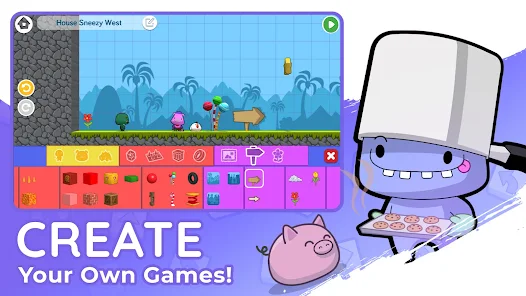
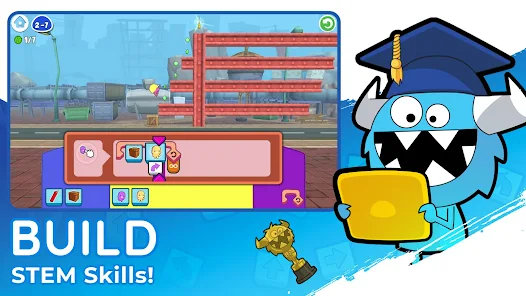
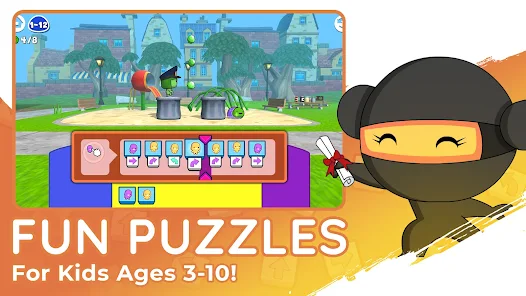
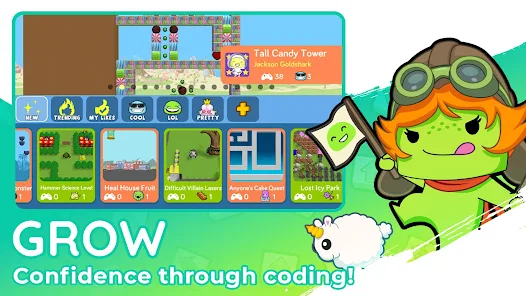
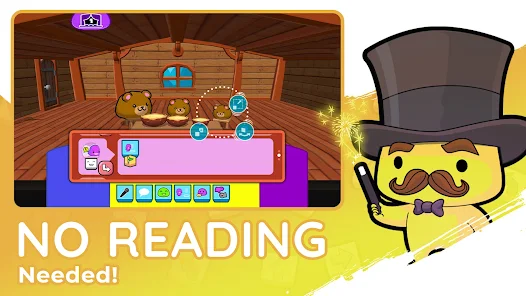
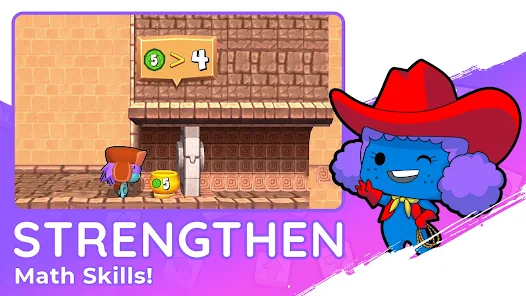
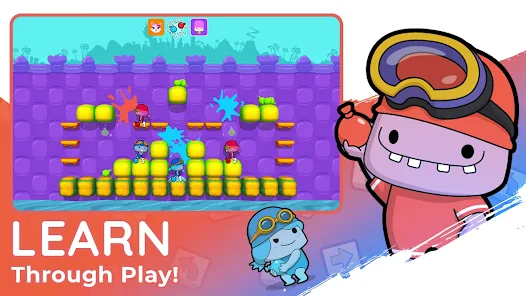
codeSpark - Coding for Kids is an innovative and interactive app that has revolutionized the way children are introduced to coding. With its easy-to-use interface, engaging visuals, and fun-filled activities, codeSpark provides a stimulating environment for kids aged 5-9 to learn the basics of coding at their own pace. The app uses drag-and-drop blocks to teach children how to create animations and games without having any prior knowledge of programming languages. The characters in codeSpark are adorable animals that guide kids through different levels while they develop problem-solving skills and logical thinking abilities. Furthermore, parents can also monitor their child's progress by accessing detailed reports on their performance within the app. Overall, codeSpark - Coding for Kids is an excellent tool that introduces young minds to the world of technology in a playful yet educational manner.
Features & Highlights
Real Experience Using codeSpark - Coding for Kids
Application Scenarios
As a parent, I often look for educational apps that can keep my children engaged while teaching them valuable skills. One evening, I decided to introduce my kids to codeSpark after hearing rave reviews from friends. We set up a little family coding night, where my children—ages six and eight—dove into the app together. They immediately gravitated towards the interactive games, competing to see who could build the best character. Over the course of that week, we made it a routine to spend half an hour with codeSpark before bedtime, allowing them to eagerly share their creations with each other and with me.
User Experience
The user interface of codeSpark is stellar. Upon opening the app, you’re greeted with bright colors and delightful animations that draw children in. I found the navigation straightforward; my kids could easily find their way to different activities without needing my help. The workflow is smooth, with each coding challenge building on the previous one, which helped reinforce their learning. I was particularly impressed by the seamless performance, as there were no glitches or crashes during our sessions—something that can be frustrating when using educational apps. Overall, the experience has been enjoyable for both me and my children, as I could see their excitement and curiosity grow with each session.
Pricing
codeSpark operates on a subscription model, which I found to be quite reasonable. After a free trial period, the monthly fee is around $9.99, or you can opt for a yearly subscription at a discounted rate. Given the quality of content and the educational value the app provides, I felt it was a worthy investment in my children's learning.
Updates & Support
The developers behind codeSpark are proactive in providing updates, often introducing new features and activities to keep the app fresh. I appreciated that they send out newsletters detailing new content and tips for parents to maximize their kids' learning experience. Additionally, customer support is responsive; I reached out with a question about a feature, and they replied promptly with helpful information, which made me feel supported as a user.
Security & Privacy Review
As an American parent, security and privacy are top priorities when choosing apps for my children. codeSpark is available on both the App Store and Google Play, which adds a layer of credibility regarding its security standards. When setting up the app, I was pleased to find that registration requires minimal personal information, ensuring my kids' privacy. The app does not bombard users with ads, which is incredibly important for maintaining a focused learning environment. Additionally, I conducted a bit of research and found that codeSpark adheres to COPPA regulations, which reassured me that my children’s data is safe and not being misused for tracking purposes. Overall, I felt confident allowing my kids to explore this app without the usual concerns that come with online activities.
Pros 
-
 Unlock creativity through coding
 - Engaging, fun learning games
- Build problem-solving skills
- Encourages teamwork and sharing
- Safe environment for kids
Cons 
-
 Limited advanced coding concepts
 - In-app purchases can add up
- Requires internet for full access
- Not suitable for older kids
Get Installation Details  Google Play
  App Store
Google Play App Store FAQ
Can I submit suggestions or feedback to codeSpark - Coding for Kids?
Yes, users can submit feedback and suggestions via the app’s support section or the official website.
Does codeSpark - Coding for Kids collect my personal data?
codeSpark prioritizes privacy and does not collect personal data from children without parental consent.
Does codeSpark - Coding for Kids support offline use?
Yes, codeSpark allows some offline use, but an internet connection is required for certain features and updates.
How do I cancel my codeSpark - Coding for Kids subscription?
You can cancel your subscription through the app store settings or by contacting customer support directly.
How much does a subscription to codeSpark - Coding for Kids cost?
The subscription typically costs around $7.99 per month, with options for annual subscriptions at a discounted rate.
How to use codeSpark - Coding for Kids
How can I contact customer service for codeSpark?
You can reach codeSpark customer service by visiting their website and using the contact form, or emailing support
How do I activate my codeSpark subscription?
After purchasing a subscription, you’ll receive an activation email. Click the link in the email to activate your account. If not received, check your spam folder.
How do I find the customer number for my codeSpark account?
Your customer number is typically included in your account confirmation email. If you can't find it, contact customer service for assistance.
How do I log in to my codeSpark account?
To log in, open the app and enter your registered email and password. If you forgot your password, use the “Forgot Password” option.
Similar Games










You May Like

Jigsawcard Solitaire Puzzle
Puzzle
4.7

Prison Puzzle: Brain Twist
Puzzle
4.6

Battle Bag: War Zone
Puzzle
4.1
ZOOKEEPER DX TouchEdition
Puzzle
4.3
Water Match™- ASMR Water Sort
Puzzle
4.7

Unravel Master: Tangle Puzzle
Puzzle
4.8

Triple Match City
Puzzle
4.8
Sudoku Pro
Puzzle
4.6

Slow Living Jigsaw Puzzle game
Puzzle
4.9

Screw Tap Jam™: Screw Sort 3D
Puzzle
4.9
Sand Shift: Match & Clear
Puzzle
Magic Sort!
Puzzle
4.5