
 Home
Home  Apps
Apps  Games
Games  Windows
  Terms of Service
  Cookies & Privacy Policy
  About us
Dot Link - Connect the Dots

 4.8
4.8 10,000,000+ Downloads
2.8.1 Version
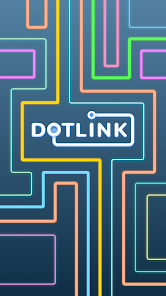
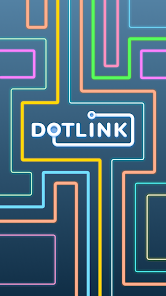
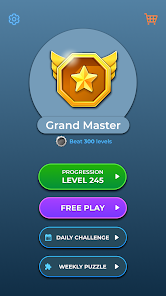
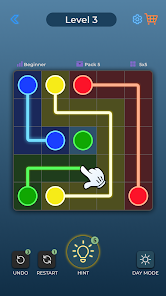
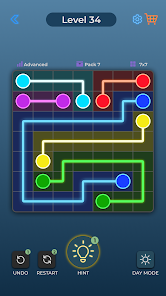
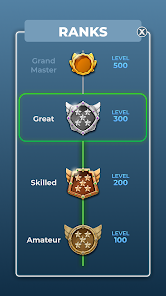
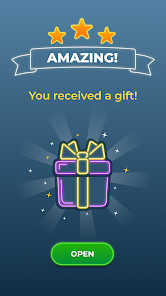
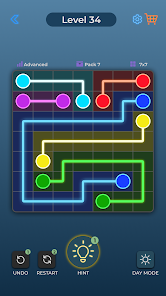
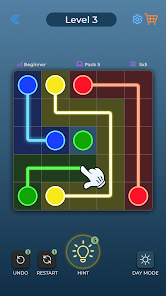
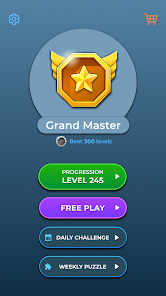
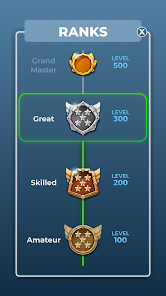
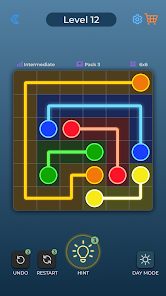
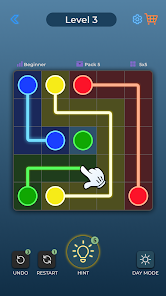
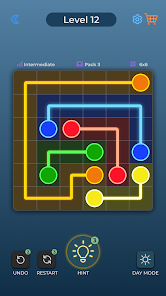
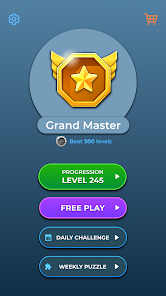
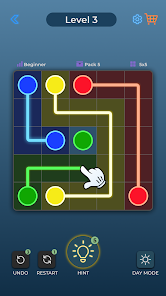
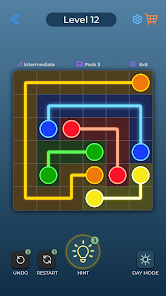
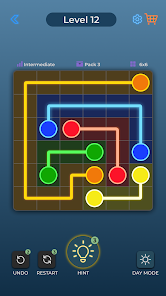
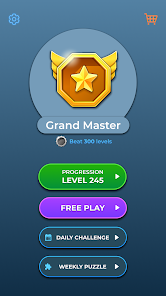
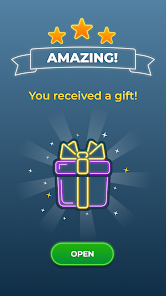
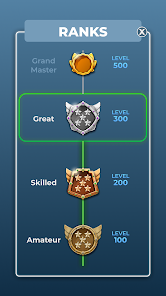
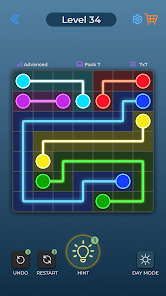
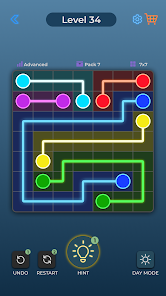
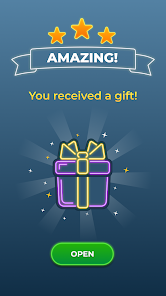
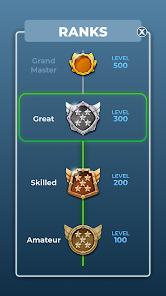
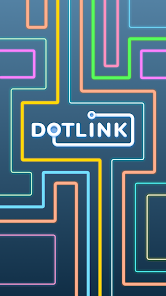
Information
- Category: Puzzle
- Price: free
- Age Rating: Everyone
- Available on: Android, Windows*
- Developer: Bluetile
- Updated on: May 14, 2026
Pros 
-
 Discover creativity with ease
 - Enhance problem-solving skills
- Engaging puzzles for all ages
- Boosts focus and concentration
- Share your creations with friends
Cons 
-
 Limited customization options
 - Repetitive gameplay elements
- Ads can disrupt user experience
- No offline play available
- Lack of social features
Get Installation Details  Google Play
  App Store
Google Play App Store User Reviews
(683K Reviews) Michelle C2025/05/30
This game is a lot of fun, and as it requires strategic moves, it's brain-challenging. I've noticed that I'm able to learn new things quicker at work in creating chatbots AND making money doing something fun. I'm on level 31. For those playing games for pennies, this app will have $ to $$$ so you know which games at that time are paying the most at that time. $2 for playing this one for 26 minutes isn't bad!
- trish gugino2026/06/13

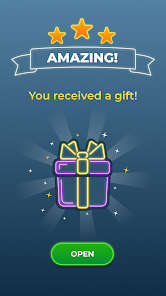
misleading ad lead me to downloading this game without realizing it. their ad on Flow Free said that Flow Free had to be updated to the newest version to keep playing and I didn't realize till after I "updated it" that it was actually a completely different game. the game play is like all the other games out here, flashy distracting graphics, ads every level, and stupid "gifts" every so many levels that slows game play.
- Sherry McClain2026/05/13
I totally love this game, I just wish that.. they would get rid of the ads!! I always end up deleting the games, even if I like them, because I can't stand all the ads!! I think people would keep the games\\f it weren't for all the ads people just might keep the games a bit longer,and play them more often, but you all know that as soon as you click on the game to play it, the system is already lining up the ads to play in-between every level, every spin!! get rid of the ads!!!! thank you!!
- Emilie Hawken2026/02/11
I thoroughly enjoy being challenged with puzzles & games like this that I can play alone. This game is within the Best Play game group that I play regularly. It's not a big amount of earnings but playing a fun game & making a little cash works for me!!! They've added more ads which is time consuming but I don't "pay" to play so there's going to be ads to pay the cash out.
- Amy Bellamy2026/04/06
i love this game! it's the perfect kind of challenge for my mind! it trains my brain look at situations to problems that seem to be impossible to solve at first glance by finding the simplest solutions first and breaking it down into one thing at a time. Next thing you know, the puzzle's solved! (A hint or two along the way is necessary every now & then, so try to build up as many of those as you can along the way!) 🖤
Review Source: Google Play store public user reviews.
FAQ
Can I submit suggestions or feedback to Dot Link - Connect the Dots?
Yes, users can submit feedback through the app's support section or official website.
Does Dot Link - Connect the Dots collect my personal data?
The app may collect minimal data for functionality, but it prioritizes user privacy.
Does Dot Link - Connect the Dots support offline use?
Yes, Dot Link can be played offline without an internet connection.
How do I cancel my Dot Link - Connect the Dots subscription?
You can cancel your subscription through your device's app store settings before the next billing cycle.
How much does a subscription to Dot Link - Connect the Dots cost?
The subscription cost varies based on the plan chosen, typically offering monthly or yearly options.
How to use Dot Link - Connect the Dots
How can I contact customer service for the Dot Link app?
You can reach customer service through the app's settings or visit the official website for support options.
How do I log in to my Dot Link account?
Open the app, tap on the login button, and enter your registered email and password.
Is there a way to activate my Dot Link account?
If activation is required, check your email for a confirmation link after registration. Click the link to activate your account.
What is the customer service number for Dot Link?
The customer service number is available in the app's help section or on the official website.
What's New
- > New challenges!> Amazing new gifts> Added +1000 new levels> New games modes
Similar Games










You May Like

Jigsawcard Solitaire Puzzle
Oakever Games
4.7

Prison Puzzle: Brain Twist
HIGAME LTD.
4.6

Battle Bag: War Zone
VOODOO
4.1
ZOOKEEPER DX TouchEdition
KITERETSU inc.
4.3
Water Match™- ASMR Water Sort
Youyoutang Technology
4.7

Unravel Master: Tangle Puzzle
Supersonic Studios LTD
4.8
Triple Match City
Ferah Games
4.8
Sudoku Pro
AI Factory Limited
4.6

Slow Living Jigsaw Puzzle game
LoveColoring Game
4.9

Screw Tap Jam™: Screw Sort 3D
Shinrays Brain Studio
4.9
Sand Shift: Match & Clear
PlayValley
Magic Sort!
Grand Games A.Ş.
4.5