
 Home
Home  Apps
Apps  Games
Games  Windows
  Terms of Service
  Cookies & Privacy Policy
  About us
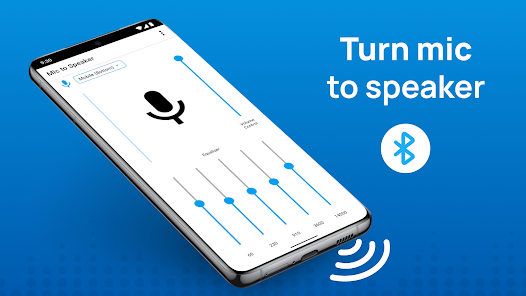
Live Mic to Bluetooth Speaker

 3.9
3.9 5,000,000+ Downloads
4.0.0 Version
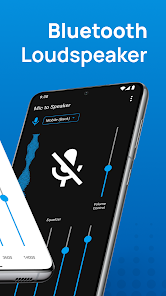
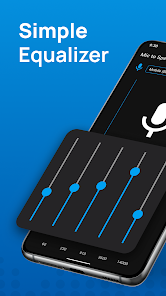
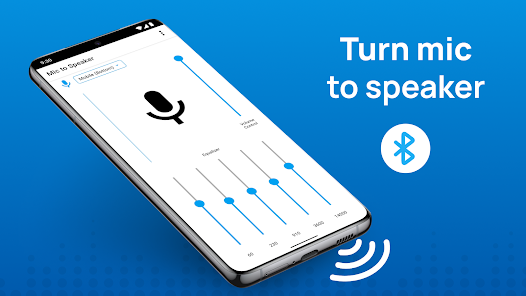
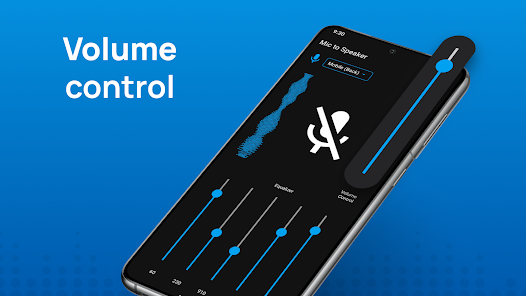
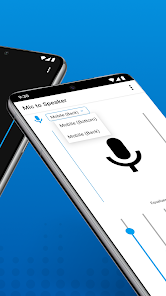
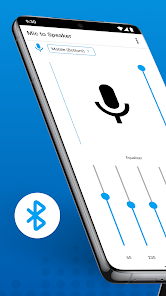
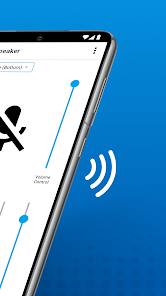
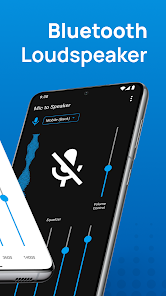
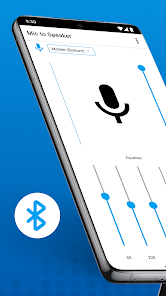
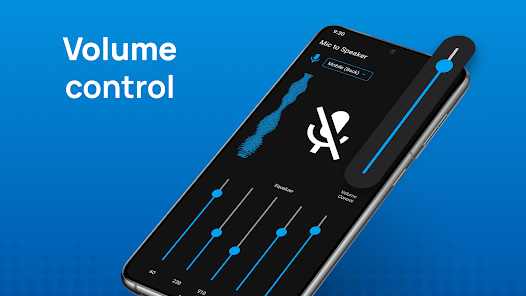
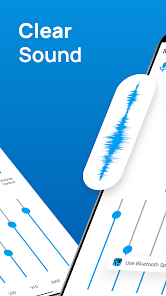
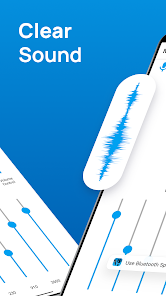
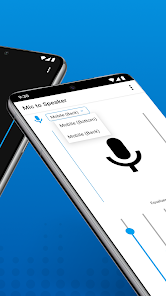
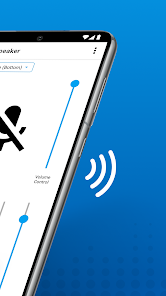
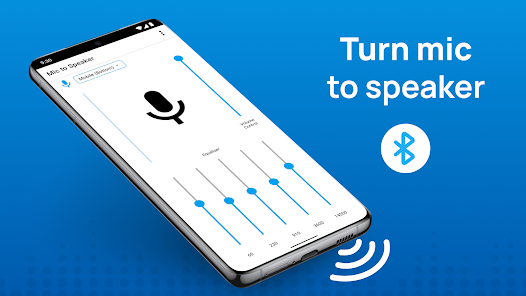
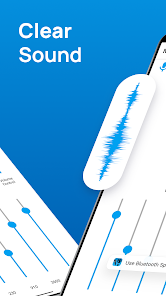
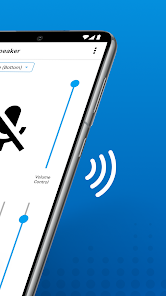
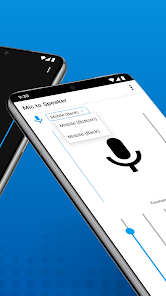
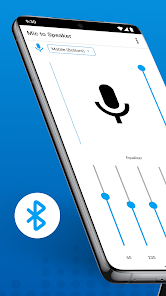
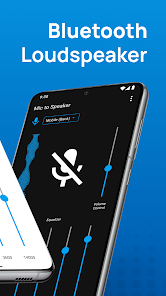
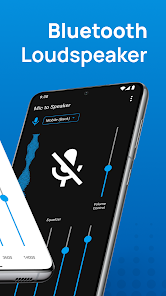
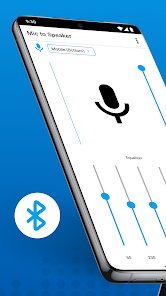
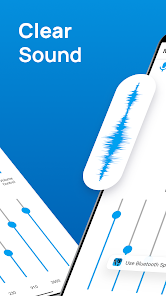
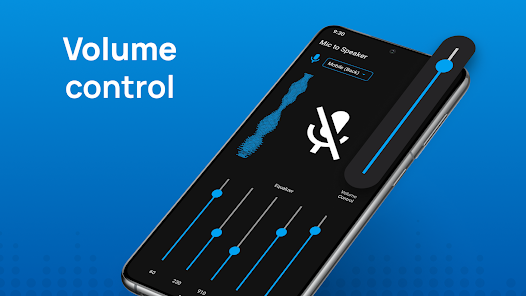
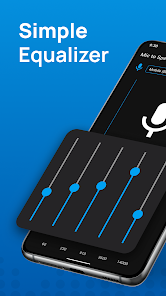
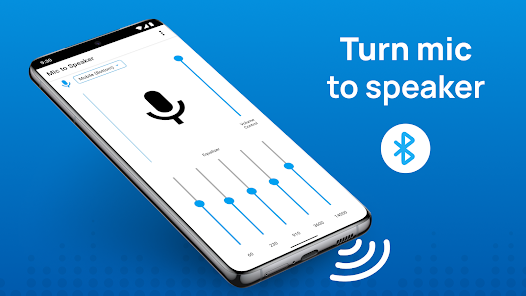
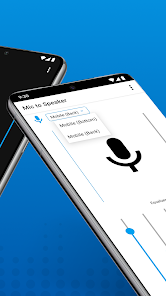
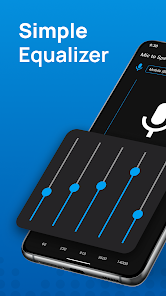
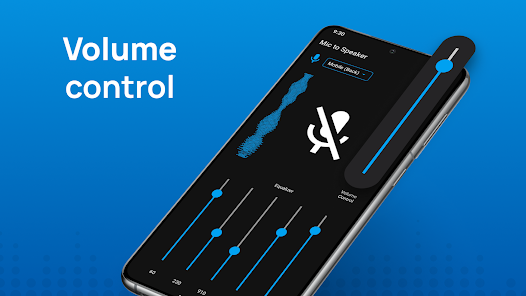
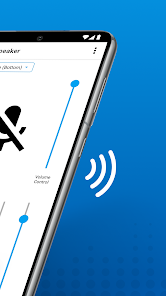
Information
- Category: Lifestyle
- Price: free
- Age Rating: Everyone
- Available on: /
- Developer: Cards
- Updated on: Sep 8, 2025
Pros 
-
 Transform your voice instantly
 - Connect effortlessly via Bluetooth
- High-quality sound amplification
- User-friendly interface design
- Perfect for events and gatherings
Cons 
-
 Limited range of connectivity
 - Potential audio latency issues
- Battery drain on devices
- Compatibility with some speakers
- Quality may vary by environment
Get Installation Details  Google Play
  App Store
Google Play App Store User Reviews
(36.4K Reviews) Jeffery Rosinbaum2025/09/07
The ads are way to long and too often!! It seemed like I was getting a 15 second ad every two minutes. The price is ridiculously expensive at $15/week. I would consider paying a one time fee of $15 for the app if I could even get it to work. I am trying to use and external wireless mic, the dongle plugs into the bottom of the phone. The only settings were a few on the screen. When I pulled out the dongle, the built-in mic worked with a lot of latency. I would not recommend this app!
- John Deere2024/12/30
The only option is to press 'start free trial' in order to even attempt to try out anything for free or anything paid. I don't want to have to remember to cancel anything just to be able to try out the app. Why should I be forced into a contract before getting to try out something that is 'free?' A free trial is usually for a paid version of an app, not mandatory to test out a free version. $14.99 a week is a ridiculous cost anyways. Not a chance in the world. That should be per year, not week!
- Stephen Patterson (Archeanthus_)2025/01/12
It doesn't appear to do anything advertised, at least not with the free version. And the ads are insane for an app of this type: very noisy and intrusive. I understand that ads help devs make money on a free app, but for this kind of app, these kinds of ads are ridiculous. And it doesn't even do anything in the free version anyway.
- Johnny V2025/06/21
This app is a total joke. First is the ridiculous $15 a WEEK subscription fee. Why in the world is a microphone app on a subscription? A subscription are for things that constantly bring new content or offer a continuing service. This should be a $5 one time paid app because it offers very little in features. If you stick with the free trail you're bombarded with ads blasting through your external BT speakers, which many users will be using. Do not waste your time!
- Martin Lohsträter2024/09/21
I can appreciate that development cost money, and I don't expect an app to be free. But 11,99€ per WEEK is ridiculous (even per month, it would have been too much). This is not a complex app. It should take the sound from the microphone and send it to the BT device. The free alternative had the MOST annoying ads, so you are driven crazy enough to pay the stupidly high price.
Review Source: Google Play store public user reviews.
How to use Live Mic to Bluetooth Speaker
How can I contact customer service for the Live Mic to Bluetooth Speaker app?
You can reach customer service through the app's settings menu or visit our website for support options.
How do I log in to the Live Mic to Bluetooth Speaker app?
Open the app and tap on 'Log In.' Enter your registered email and password to access your account.
Is there a way to activate the Live Mic to Bluetooth Speaker app?
Yes, after downloading, open the app and follow the on-screen instructions to activate it using your account credentials.
What is the customer service number for the Live Mic to Bluetooth Speaker app?
The customer service number is available in the app under the 'Help' section or on our official website.
What's New
- Bug fixesMultiple Mic OptionsEasy to UseElegant InterfaceBetter Voice Quality
Similar Apps













You May Like

T-Mobile Tuesdays
T-Mobile USA
4.6

Pinterest
Pinterest
4.4

Roku Smart Home
Roku, Inc. & its affiliates
4.4
eero home wifi system
eero LLC
4.8

Swagbucks: Surveys for Money
Prodege
4.5
NailDoc
august10

UCHAD AI Looksmax Face Rating
Mavtao
4.3

Turning Point Ministries
Turning Point for God, Inc.
4.9

Pendora: Horoscope & Astrology
Intellminds

Old Me: AI Age & Future Aging
happy.ai.app
2.5
InnerJournal
hyekiso

Hatch Sleep
Hatch Sleep
4.0