
 Home
Home  Apps
Apps  Games
Games  Windows
  Terms of Service
  Cookies & Privacy Policy
  About us
Talk: Text to Voice



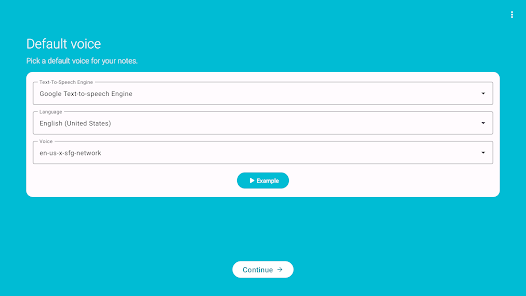
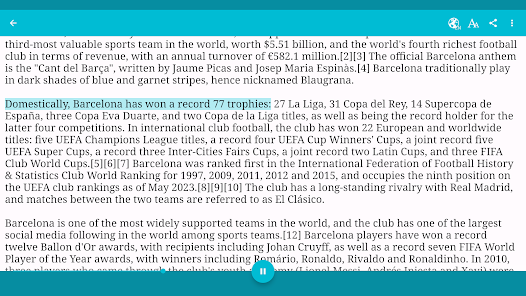
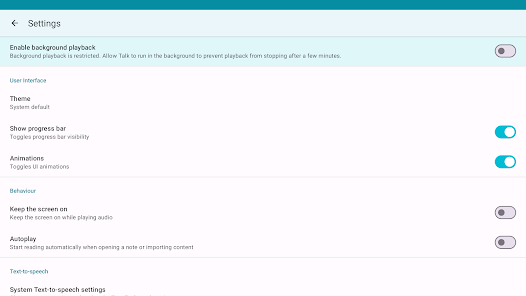
Information
- Category: Communication
- Price: free
- Age Rating: /
- Rating: 4.5
- Developer: Abast Multimèdia
- Version: 2.9.17
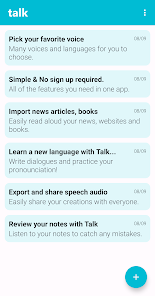
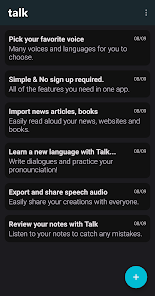
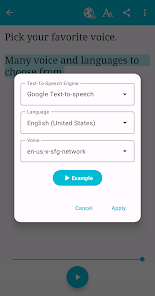
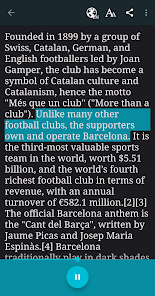
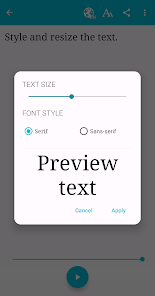
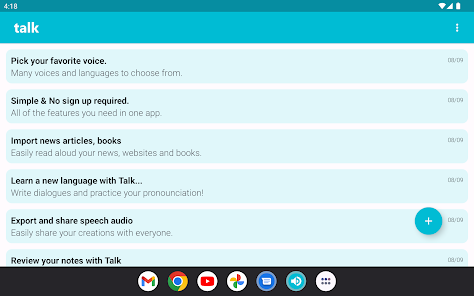
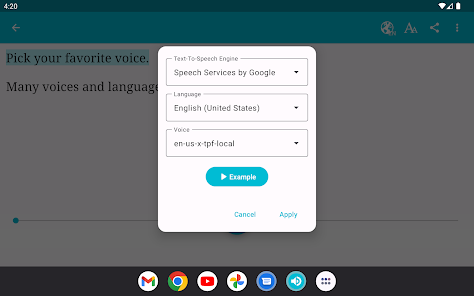
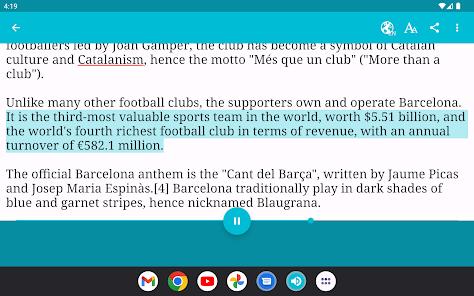
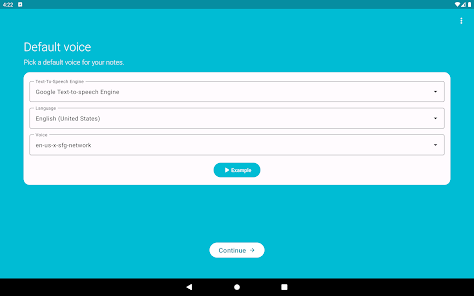
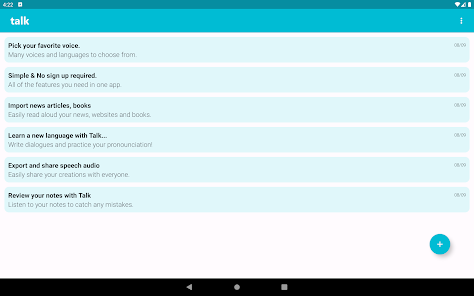
Talk: Text to Voice App is an application that allows users to convert text into speech. It is a useful tool for people who are visually impaired, have difficulty reading, or simply want to listen to their written content. The app can be used to read out loud emails, articles, books, and other written content. It can also be used to create audio recordings of text for use in presentations, podcasts, and other audio projects. Talk: Text to Voice App is available for both iOS and Android devices and is free to download. It features a variety of voices and languages, as well as the ability to adjust the speed and pitch of the voice. The app also allows users to save their recordings for later use.
Features & Highlights
If you're looking for an intuitive tool that can convert text into lifelike speech, Talk: Text to Voice stands out as a premium choice. Here are some of its core features that caught my attention:
Real Experience Using Talk: Text to Voice
Application Scenarios
I started using Talk: Text to Voice during my daily commute. As someone who enjoys reading but often struggles to find the time, this app has been a game-changer. One day, I had a long document that I needed to review for work. Instead of reading it on my phone, I simply pasted the text into the app, selected a voice, and listened during my train ride. The ability to consume content in this way allowed me to multitask effectively without sacrificing the quality of my work.
Additionally, I've used the app to create audio versions of personal notes and reminders. I often jot down ideas or thoughts throughout the day, and listening to them later helps reinforce my memory. On one occasion, I transformed a list of goals into audio, playing it back while I prepared breakfast. It was inspiring to hear my aspirations articulated, making them feel more tangible.
User Experience
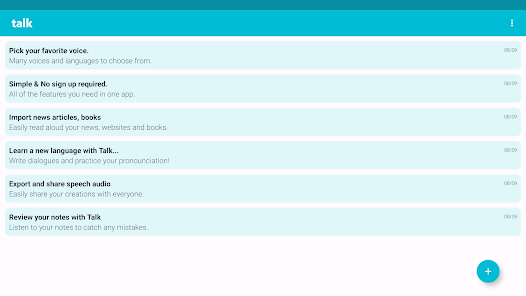
The user interface of Talk: Text to Voice is exceptionally friendly. Upon launching the app, I was greeted with a straightforward layout that made it easy to navigate. I appreciated the minimalistic design, which reduces clutter and allows for quick access to features. Uploading text was seamless; I could paste from various sources or upload documents directly without any hassle.
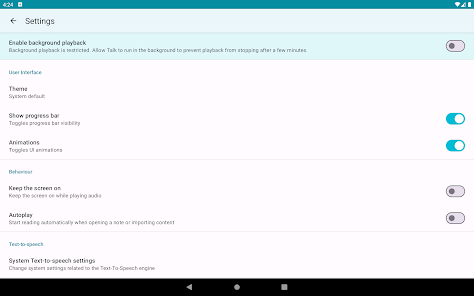
Performance-wise, the app is remarkably responsive. The text-to-speech conversion was nearly instantaneous, and the audio playback was smooth. I never encountered lag, which is crucial when you're on the go. The adjustable speech rate feature also worked flawlessly, allowing me to customize my listening experience according to my needs. Overall, after using Talk: Text to Voice extensively, I felt more productive and engaged with the content I consumed.
Pricing
Talk: Text to Voice offers a free version that includes basic features, which is perfect for casual users. However, if you want to unlock the full potential of the app, including premium voices and additional languages, there is a subscription model available. The pricing is competitive compared to similar apps on the market, making it a worthwhile investment for anyone serious about text-to-speech technology.
Updates & Support
The developers of Talk: Text to Voice have been proactive in releasing regular updates, which is reassuring for users like me. Each update has not only improved performance but has also added new features based on user feedback. When I had a minor issue with the app, I reached out to customer support, and they were prompt and helpful, illustrating a genuine commitment to user satisfaction.
Security & Privacy Review
As an American user, security and privacy are essential when choosing apps, especially those that process personal data. Talk: Text to Voice is available on both the App Store and Google Play, which adds a layer of trust, given the stringent guidelines these platforms enforce.
When registering for the app, I was pleased to find that it only requested minimal personal data. This approach aligns with best practices for user privacy, ensuring that sensitive information is not unnecessarily collected. I also noted that the app does not bombard users with ads, which is a relief, as many free apps often rely on intrusive advertising. Instead, it maintains a clean and focused user experience, free from distractions.
Moreover, I did not observe any tracking behavior that would compromise my privacy. The app effectively balances functionality with user security, making it a reliable choice for anyone concerned about their data. Overall, Talk: Text to Voice not only excels in its features but also prioritizes the security of its users, allowing me to enjoy its benefits without worry.
Pros 
-
 Experience natural voice output
 - Supports multiple languages
- Customizable voice settings
- User-friendly interface design
- Ideal for accessibility needs
- Perfect for hands-free use
Cons 
-
 Limited voice options available
 - Occasional mispronunciations
- Lacks advanced customization
- Requires internet for use
Get Installation Details  Google Play
  App Store
Google Play App Store FAQ
Can I submit suggestions or feedback to Talk: Text to Voice?
Yes, users can submit suggestions and feedback through the app or by contacting customer support via their website.
Does Talk: Text to Voice collect my personal data?
The app respects user privacy and does not collect personal data unless explicitly provided for account creation or feedback purposes.
Does Talk: Text to Voice support offline use?
Yes, Talk: Text to Voice allows offline use, enabling users to convert text to speech without an internet connection.
How do I cancel my Talk: Text to Voice subscription?
You can cancel your subscription through your app store settings or directly within the app's subscription management section.
How much does a subscription to Talk: Text to Voice cost?
The subscription cost varies based on the plan chosen, typically starting at a few dollars per month.
Similar Apps














You May Like
GroupMe
Communication
4.6

Firefox Fast & Private Browser
Communication
4.6
Straight Talk My Account
Communication
4.5
Messages: SMS, Messenger Home
Communication
4.2
TracFone My Account
Communication
3.4

Receive SMS Temporary number
Communication
3.3

MCF Employee App
Communication

CorrLinks Text Chat
Communication
2.7
RoboKiller - Robocall Blocker App
Communication
4
Messages: SMS Text Messenger App
Communication
4
Call Recorder
Communication
3.3

CB Radio Chat - for friends!
Communication
2.5