
 Home
Home  Apps
Apps  Games
Games  Windows
  Terms of Service
  Cookies & Privacy Policy
  About us
NOAA Weather Unofficial

 4.7
4.7 1,000,000+ Downloads
2.16.2 Version
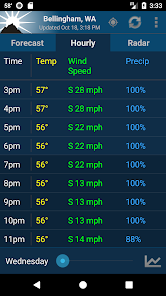
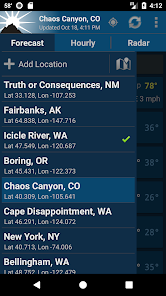
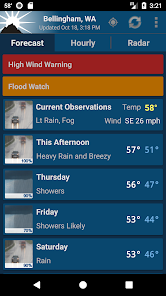
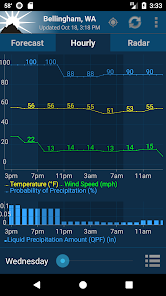
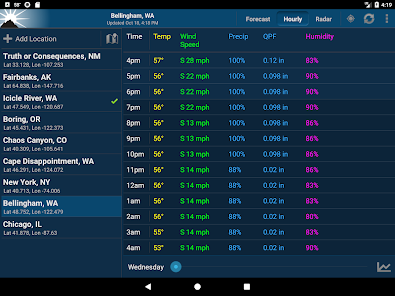
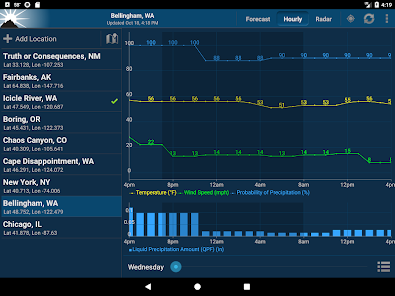
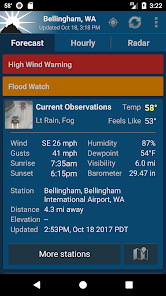
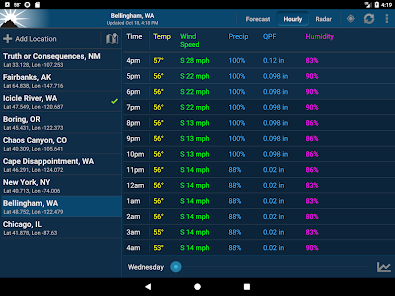
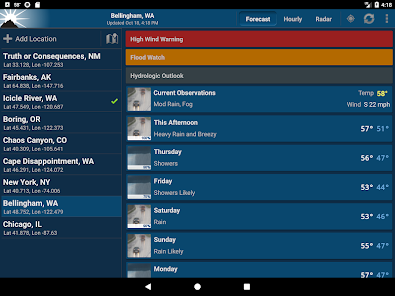
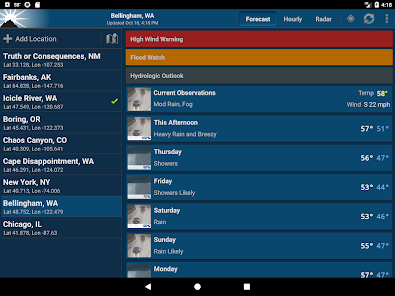
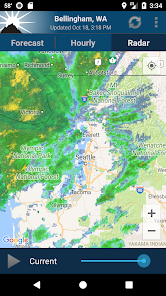
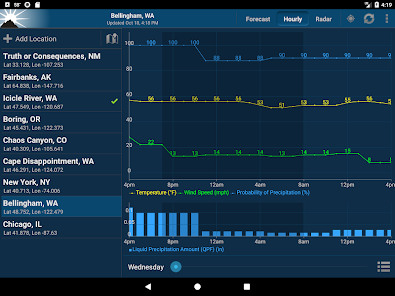
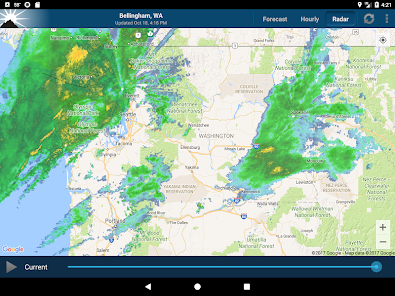
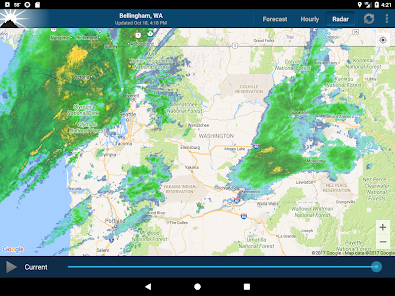
Information
- Category: Weather
- Price: free
- Age Rating: Everyone
- Available on: /
- Developer: Granite Apps
- Updated on: May 28, 2026
Pros 
-
 Stay updated with real-time alerts
 - Access detailed weather forecasts
- User-friendly interface for all
- Customizable notifications for you
- Interactive radar for storm tracking
Cons 
-
 Limited data accuracy issues
 - Infrequent updates on alerts
- User interface can be clunky
- Ads may disrupt user experience
- Lack of advanced features
Get Installation Details  Google Play
  App Store
Google Play App Store User Reviews
(106K Reviews) Tiffany S2026/05/25
I have used this app for many years. The past year it has declined in accuracy. Three people in my house have this app all set with the same settings. We will get different weather data. Three times this week it has said that the current temp is 0 while the high for the day was in the 70's. I hope that we can get back to the reliable app we once loved!
- Clifton Bencke2026/04/14
I've tried many weather apps. This is by far the best. When I got a new phone recently; the sales guy showed me the app that was loaded with it. I tried it for a couple of days, but I soon came back to this one. - My only request, on radar view, remember my zoom level AND a remember where I had the center of the view. It always defaults to my location as center of view. But weather is coming from the west. My location on the radar view should be on the east edge so that I can quickly see W.
- Brent I.2026/06/28
The current conditions widget is down yet again on this app. This is really frustrating as I rely on this to follow my current weather and conditions. Also in the evenings it always switches to saying 0° when it's in the 70s or 80s outside. this app needs a lot of work and updating to make it work properly. it seems to be going down pretty often lately. if it can't be fixed, I will probably be switching to a different more reliable app
- Don Stj2026/04/14
EXCELLENT information and detail ! I am still getting use to the overall format. thec graphs are good data for a time line information. I am more of a verbal reader. The graphs are accurate, on a time bases of activity. I would like to see a more verbal impact of the graphs. for example. The drop of temperature below freezing may cause road ice for driving or impact to lawns + plants etc. Or lack of clouds impact to sunburn or air quality or usage of air conditioners or higher winds etc.
- Randy WL2024/12/20
NOAA has all the bells and whistles I need. I need 24 to 48 hours can have realistic accuracy, but paying a ton of money elsewhere for ridiculous 10 day forecasts...... I'll be polite... there will never be "accurate" 10 day forecasts, so paying extra for that is a waste. ......paying more for better graphics or notifications. That's up to the buyer. All in all, I really like NOAA. 👍
Review Source: Google Play store public user reviews.
How to use NOAA Weather Unofficial
How can I contact customer service for the NOAA Weather Unofficial app?
You can reach customer service through the app's settings or the official website for support options.
How do I log in to the NOAA Weather Unofficial app?
Open the app and tap on the login option. Enter your credentials to access your account.
Is there a way to activate the NOAA Weather Unofficial app?
Activation is usually automatic upon installation. If required, follow the prompts in the app for any necessary activation steps.
What is the customer number for the NOAA Weather Unofficial app?
The customer number is typically found in the app's settings or help section. Check there for specific contact details.
What's New
- v2.17.0* Added wind direction arrows to the hourly chart. Can be disabled in the tab options* Added color change buttons in the tab options for hourly* Bug fixesv2.16.3* API update for aviationweather.gov observation backup source* Hourly history improvements* Library updates
Similar Apps














You May Like
The Weather Channel - Radar
The Weather Channel
4.7
Live Weather: Daily Forecast
WINDWAVE LIMITED
4.6

Weather Puppy - App & Widget
Weather Creative Inc.
4.9

Storm Shield
Mosaic Srl
3.3

OpenSnow
Cloudnine Weather, Inc.
4.1
Noyes' 1DegreeOutside Weather
1DEGREEOUTSIDE, INC.
4.9
Drive Weather With Live Radar
Concept Elements Inc
4.5
US Public Weather
MeteorologyMan
3.7

MyShake Earthquake Alerts
UC Berkeley Seismological Laboratory
3.8

TheFrog: Weather app
giovesoft
4.5
Funny Weather: Rude Forecast
epsilon ventures LLC
4.3

Dronecast - Weather & Fly Map
Dronecast
4.5