
 Home
Home  Apps
Apps  Games
Games  Windows
  Terms of Service
  Cookies & Privacy Policy
  About us
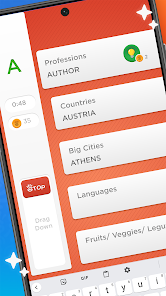
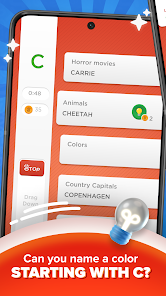
Stop - Categories Word Game

 4.2
4.2 50,000,000+ Downloads
3.34.0 Version
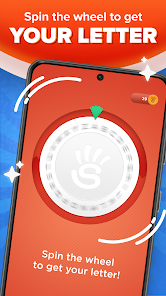
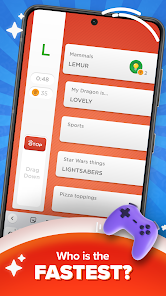
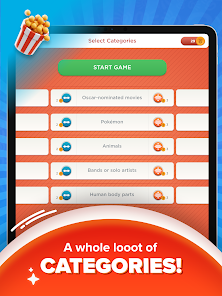
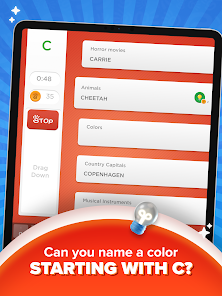
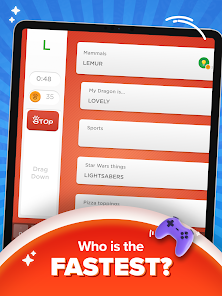
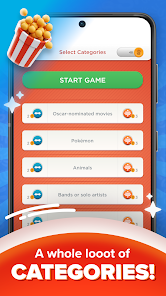
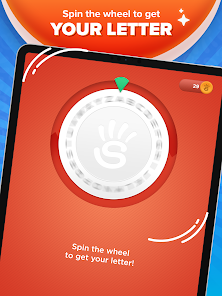
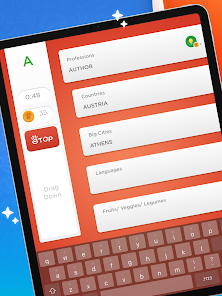
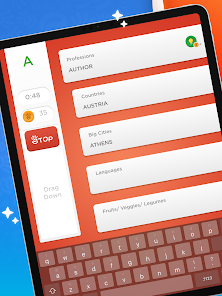
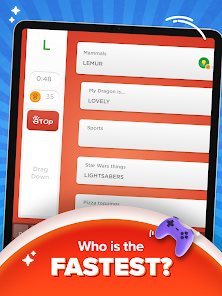
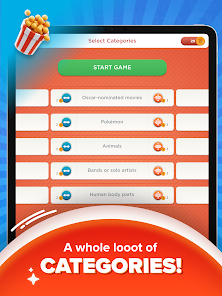
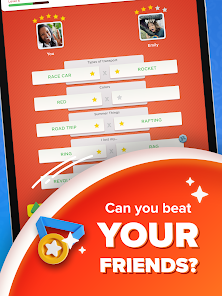
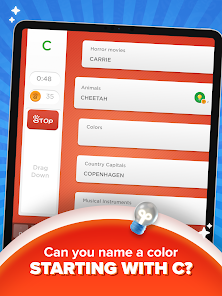
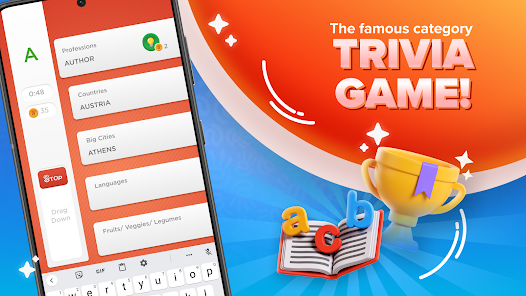
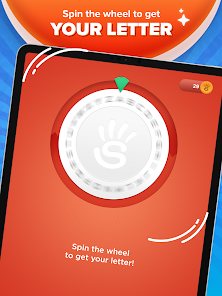
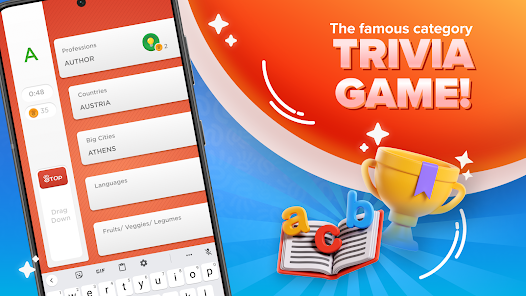
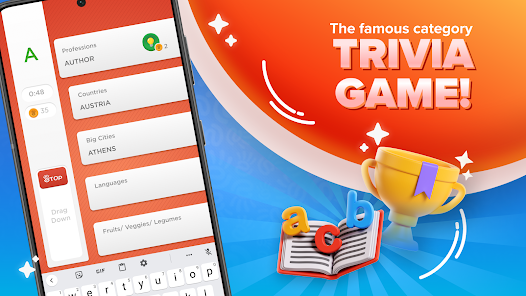
Information
- Category: Casual
- Price: free
- Age Rating: 17+
- Available on: Android, Windows
- Developer: Fanatee, Inc.
- Updated on: Oct 14, 2025
Pros 
-
 Discover endless fun with Stop!
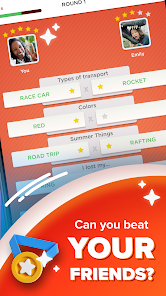
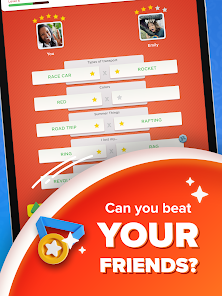
 - Challenge your friends in real-time!
- Boost your vocabulary and skills!
- Engaging categories for all ages!
- Simple interface for easy play!
Cons 
-
 Limited word categories available
 - Repetitive gameplay can bore users
- In-app purchases may frustrate players
- Ads disrupt the gaming experience
- Lack of multiplayer options limits fun
Get Installation Details  Google Play
  App Store
Google Play App Store User Reviews
(244K Reviews) Brotato Chip2026/05/20
It's an addictive game with minimal to almost no ads, but the way it marks you incorrect for several valid answers is why I'm done. I'm constantly reporting answers that were marked wrong for no good reason, but keep running into the same issue where the game is clearly in the wrong. Is "Rock 'Em Sock 'Em" not a toy/board game anymore? I'm sorry, but it's just not fun when half of your answers are marked incorrect every other game when any logical thinker would say they're indeed correct.
- TeRae Mitchell2021/01/12
The game itself is fairly fun, however it takes way too long waiting for your opponent. If there was an auto or practice mode where you could continuously play, the game would be better. I also feel as though the letter almost always stops somewhere at the end of the alphabet. Anyway, it was ok for a bit, but not one I would keep or recommend at this time.
- Nicole2020/07/14
I decided to give this game a try despite the negative reviews about ads, because I tend to be able to ignore in-game ads. However, this truly is excessive. The fact that the game rounds are sometimes less than a minute, followed by sometimes a full minute of 30 second ads back to back absolutely ruins the game play for me. Being able to watch ads for lives or for boosters would be preferable, but as-is, I cant give this more than 2 stars
- Michelle Seay2021/05/26
I enjoy playing but there is a problem when I am able to use words that are counted wrong when they are right. I realize it takes time and input to add all these words. I'm trying to use more unusual words in order to get rares, but it's frustrating to run into so many times I get no credit just because the word is unusual. I will say I have seen words added after I used the feature that allows me to tell you it's a real word. Still. Makes me frustrated to get no credit.
- A Google user2020/03/20
Ok I've got to admit, this game is really a really great way to spend time when you're bored and it's really addicting, but the things that annoy me the most are ads and running out of lives. Anytime you click out of something on this game, an annoying 30 second ad shows up. I know it's how you make money, but why place an ad literally everywhere? And for running outta lives.. It doesn't let you host another game if you're out until time is up or you pay. Overall, I'd MAYBE recommend this game!
Review Source: Google Play store public user reviews.
FAQ
Can I submit suggestions or feedback to Stop - Categories Word Game?
Yes, users can submit feedback through the app's support section or website.
Does Stop - Categories Word Game collect my personal data?
The app may collect minimal data for functionality but prioritizes user privacy.
Does Stop - Categories Word Game support offline use?
Yes, you can play the game offline without an internet connection.
How do I cancel my Stop - Categories Word Game subscription?
You can cancel your subscription through your device's app store settings.
How much does a subscription to Stop - Categories Word Game cost?
Subscription costs vary; check the app for the latest pricing details.
How to use Stop - Categories Word Game
How can I contact customer service for the Stop - Categories Word Game app?
You can reach customer service through the app's settings or visit the official website for support options.
How do I log in to my account in the Stop - Categories Word Game app?
Open the app, tap on the login option, and enter your credentials or connect via social media accounts.
Is there a way to activate premium features in the Stop - Categories Word Game app?
Yes, you can activate premium features by purchasing a subscription through the app's store section.
What is the customer number for Stop - Categories Word Game app?
The customer number is typically found in the app's help section or on the official website.
What's New
- - Bug fixes--Thanks everyone for the feedback!Team Fanatee
Similar Games









You May Like

Township
Playrix
4.8

Antistress Relaxing Mini Games
CAT Studio
4.5
Vigor Solitaire for Seniors
Vigor Games Studio

Urban Raid Ops
Megas Game Studio
Sporcle Party: Social Trivia
Sporcle, Inc
4.3
Sola Mahjong
NEXT INITIATIVES LIMITED
4.9
Party Fishing
Candoo Games

Match The Shape
PT. Kreatif Maju Bersama

Gun Sound: Gun Shoot Simulator
Wild Kanga
3.8
Funny Park : Idle Game
zame
3.7

Deal To Be Richest
VGames Pte. Ltd.
4.7
Coin Sort
Lion Studios Plus
4.4