
 Home
Home  Apps
Apps  Games
Games  Windows
  Terms of Service
  Cookies & Privacy Policy
  About us
iSyncr: iTunes to Android

 4.2
4.2 5,000,000+ Downloads
7.0.5 Version


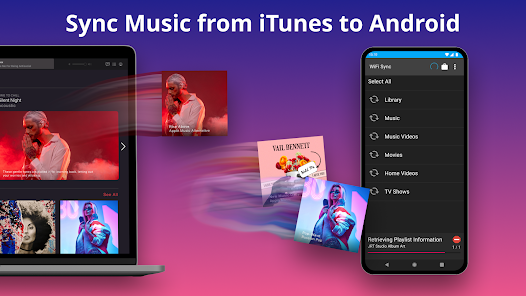
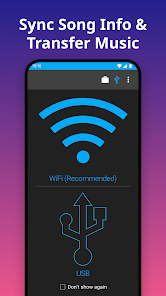

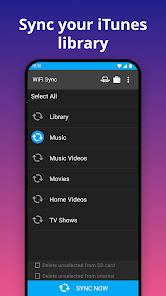
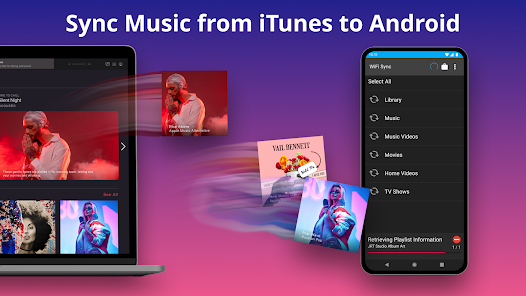
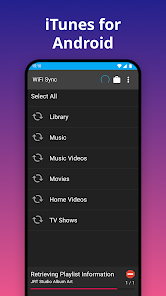
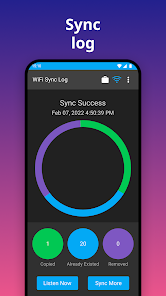
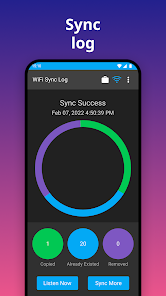
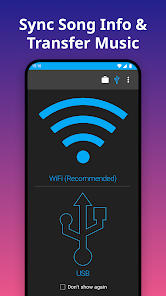

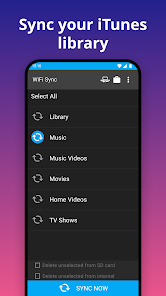
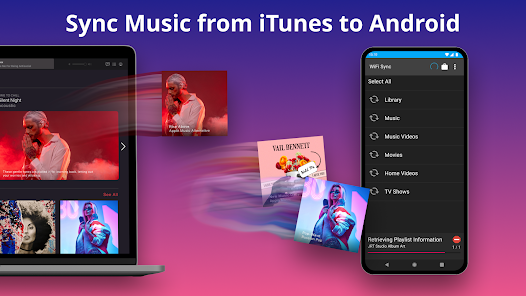
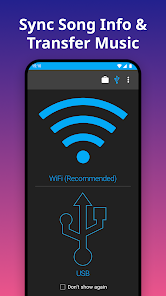
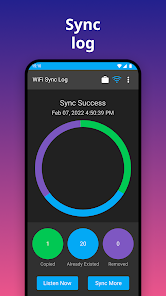
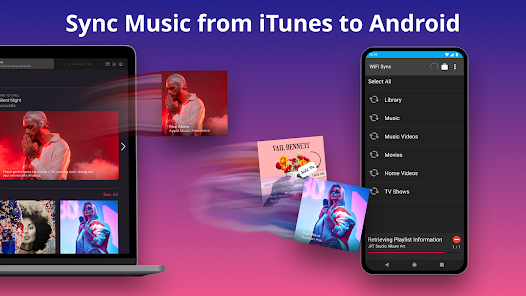
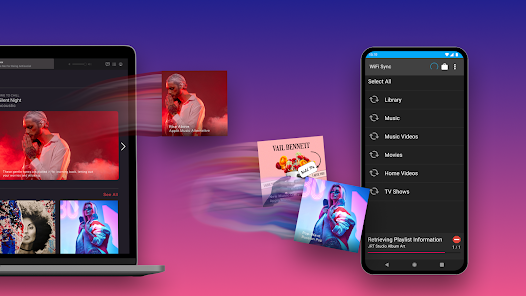
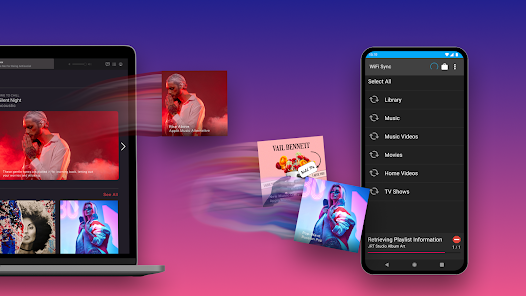
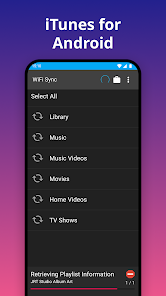
Information
- Category: Music & Audio
- Price: free
- Age Rating: Everyone
- Available on: /
- Developer: JRT Studio Music Players
- Updated on: Apr 2, 2026
Pros 
-
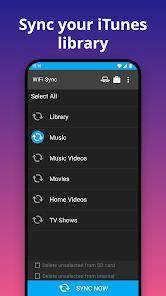
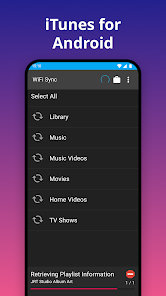
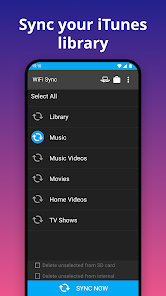
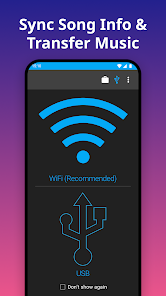
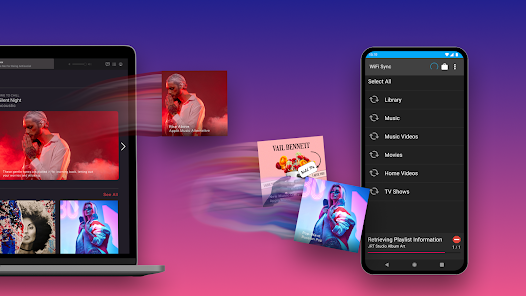
 iSyncr: iTunes to Android app offers seamless music syncing
 - Easily transfer playlists and songs
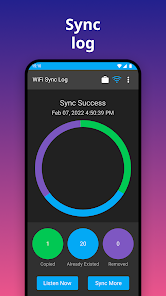
- Supports automatic updates for new tracks
- User-friendly interface for all ages
- Compatible with various Android devices
Cons 
-
 Limited playlist support
 - Syncing can be slow
- No cloud backup option
- Occasional connection issues
- User interface feels outdated
Get Installation Details  Google Play
  App Store
Google Play App Store User Reviews
(21.4K Reviews) Lonnie Langle2026/05/30
Very flaky. App thinks sync has started when it's not doing anything, and the only way to get past that is to delete the app and try again, which deletes all synced music. This is just one issue I had. I'm giving 2 stars because after hours of retrying, I do have one playlist synced so it did something. At this point my recommendation is to open source the app and let the community take over from there. Issues have been getting worse for years.
- Tommy “TJ” K2026/01/07
Doesn't work at all. I used to have this app many years ago and I loved it. I guess times have changed because I downloaded the new version (and paid for it) in anticipation it would be the same experience. The app on the phone can't find the computer nor library (yes, the PC software is installed). I tried both the WiFi and USB methods and nada. Spent the last hour fiddling with it, uninstalling, installing, changing methods, etc....now I'm tired and need a beer. Anyways, Samsung Galaxy S25
- Matt Oliver2024/09/16
I paid for premium for the old version of this app, and used it happily for several years. Tried to use it recently and had trouble, so I got the new version. The new premium version is too expensive. The new free version is unstable, overwhelmed with ads, and when it did work, limited to 1 playlist of no more than 100 songs. Also, it made Rocket Player start duplicating all the songs in a playlist and mixing up the order. This software is nothing like how good it used to be.
- Robyn Anderson2023/05/27
I am another customer who used this app for several years without a problem, until I got a new phone. Like other reviewers, I was shocked to find that that the app, which I had previously paid for, has now gone to a subscription model that priced far too high for the functionality that I want. I just want to sync my music, that's all. $14.99 a WEEK is more than I pay for internet! You have lost me as a customer.
- Luis M. Taboas León2023/04/25
There should be an option for 0 stars because as soon as I filled the credit card info, a charge of $39.99 and $2.98 was applied to my card. This is a fraudulent site. Don't trust it or Play Store either. The bank solved everything bit now I will need about 2 weeks to receive my cards (I tried to use a debit and a credit card and both of them were charged for the same amounts).
Review Source: Google Play store public user reviews.
FAQ
Can I submit suggestions or feedback to iSyncr?
Yes, users can submit feedback through the app's support page or website.
Does iSyncr collect my personal data?
iSyncr does not collect personal data; it focuses on music syncing.
Does iSyncr support offline use?
Yes, iSyncr allows you to access your music offline once synced.
How do I cancel my iSyncr subscription?
Since iSyncr is a one-time purchase, there is no subscription to cancel.
How much does a subscription to iSyncr cost?
A one-time purchase is required, typically around $10, with no subscription fees.
How to use iSyncr: iTunes to Android
How can I contact customer service for iSyncr?
You can reach iSyncr customer service via their official website or through the support email provided in the app.
How do I activate iSyncr after installation?
iSyncr typically activates automatically upon installation; ensure your devices are connected and follow the on-screen prompts.
How do I log in to my iSyncr account?
iSyncr does not require a login; simply install the app and connect your devices to start using it.
What is the customer number for iSyncr support?
iSyncr does not have a specific customer number; support is primarily handled through email and their website.
What's New
- Enjoying iSyncr? Help us out with a good rating! Having issues? Please email [email protected] so that we can help.* Version 6* Fix for lock to Rocket Player* Fix for settings not working* NEW: Beta support for Apple's new "Music" application* Possible fix for playlist issues on Android 10* Support for play-counts for Android 8.0 and later* Possible fix for Galaxy S9 SD cards* Version 5.14* Fixes broken skip counts* New ability to require charging for scheduled syncs
Similar Apps















You May Like

MeloLoop-Music Player&Offline
JIMMY SMALL.inc VIDEOSTORY
4.1
Volume control - Edge button
samiadom

VoClone AI
Mobover
3.9

Video Voice Editor + Effects
Firehawk
4.5

SonicNest — Music Player
YIXIANG
3.8

Rythmix: AI Music & Song Maker
PROMINENT FORTUNE PTE. LTD.
3.9

Music Player Plus
Leopard V7
4.6

ClipTone : AI Ringtones Maker
sTemify

Audio Insight - Offline Music
Photos & Videos Download Tools
4.0

PlayScore2 needs hi-end camera
PlayScore
3.7

MD Vinyl - Music Player Widget
Miidii Tech
4.5

Sheet Music Scanner Pro
Remusician
2.1