
 Home
Home  Apps
Apps  Games
Games  Windows
  Terms of Service
  Cookies & Privacy Policy
  About us
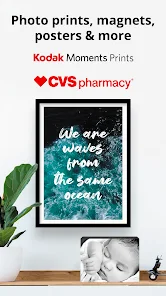
Photo Prints Now: CVS Photo

 4.8
4.8 1,000,000+ Downloads
20.8.2 Version
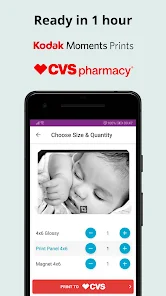
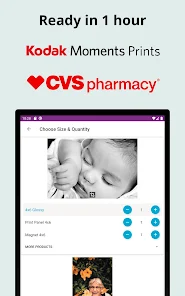
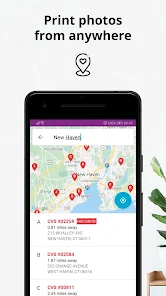
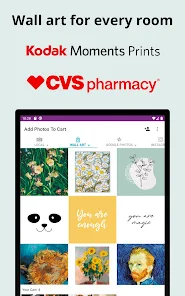

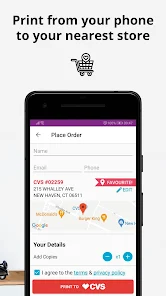
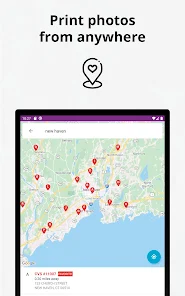
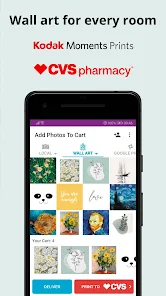

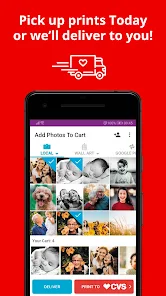
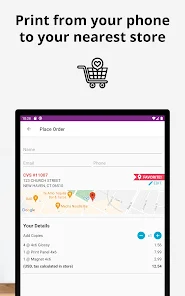

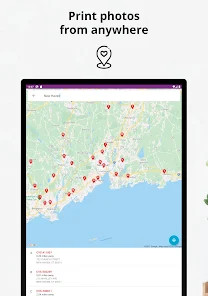
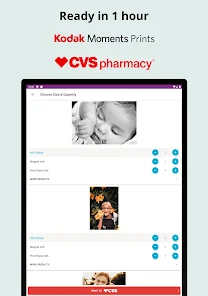
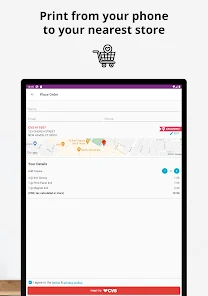
Information
- Category: Personalization
- Price: free
- Age Rating: Everyone
- Available on: /
- Developer: Print Photos - 1 Hr Phone Printing
- Updated on: May 25, 2026
Pros 
-
 Easily order prints online
 - Fast and convenient service
- Wide range of print sizes
- High-quality photo options
- Pick up at your local CVS
Cons 
-
 Limited editing options available
 - Higher prices than competitors
- Inconsistent print quality issues
- User interface can be confusing
- Longer wait times for orders
Get Installation Details  Google Play
  App Store
Google Play App Store User Reviews
(41K Reviews) Maxwell2021/08/09
Uploading and having it printed worked just fine, but never received a confirmation for pickup, after I dug around for a support email, I gave up and took a shot in the dark. The print was ready, and support got back to me 4 days later, letting me know that yes it was ready. If you want to blindly try and pick up your print it works just fine, just don't expect any ability to check on the status.
- Laura Duque2020/11/10
How can a photo app not have a section to alter the images you want to print? Not even a simple croption. Also, when ordering with a code, there's no where for that or paying online. App says the discount will be applied automatically but there's nowhere to confirm this, you just have to wait for email confirmation to see real price. There is also no way to see past orders. Overall, good for straight printing photos but many features missing with what capabilities are today.
- Darshan Mistry2020/07/26
The app allows you to order prints from your phone and even connects to your online accounts. But there are several important features missing in this app. You can't pay from the app, so you can't apply promo codes. If you can't make it to the store the same day to pick your order, the promo codes may expire. There is no way to review and edit/cancel your order history from the app. I couldn't find a way to crop photos to align with standard sizes like 4x6,5x7 etc.
- Lucas Arriago2025/12/04
Online I was able to upload photos from my Google Drive. The app doesn't give that option. I've tried to upload photos from my Drive and it doesn't work. It gives you a "bad request" error message so nothing you chose uploads. Even if it uploads to the app, it doesn't save the photos. You have to buy prints right on the spot or they don't save. I uploaded and edited my photos then briefly left the app to copy my promo code. When I came back, my cart emptied. Nothing saved. It's useless.
- Ruby Garcia2025/12/16
app is great, was a little hard for me in the beginning to use. This is due to I have no experience in using the T-moble Lite app ,for the free photos. But after a couple of times I found out how to use. Love that I can get photo orders this way. Do wish it could be a just touch app with the code, go to photo and choose, then automatically after touch done goes to order and print. Anyway maybe someday you,ll find a faster, simplified way ,for us who are not too good with using apps. "Thanks"
Review Source: Google Play store public user reviews.
FAQ
Can I submit suggestions or feedback to Photo Prints Now: CVS Photo?
Yes, users can submit feedback through the app or contact customer support directly.
Does Photo Prints Now: CVS Photo collect my personal data?
Yes, the app may collect personal data to process orders and improve user experience.
Does Photo Prints Now: CVS Photo support offline use?
Yes, users can access certain features offline, but an internet connection is required for placing orders.
How do I cancel my Photo Prints Now: CVS Photo subscription?
Since there is no subscription, cancellation is not applicable; simply stop using the app.
How much does a subscription to Photo Prints Now: CVS Photo cost?
The app does not require a subscription; users pay per order instead.
How to use Photo Prints Now: CVS Photo
How can I contact customer service for the CVS Photo app?
You can contact CVS Photo customer service at 1-800-746-7287 for assistance.
How do I log in to the CVS Photo app?
Open the app, tap on "Log In," enter your email and password, then tap "Sign In."
Is there a way to activate my CVS Photo account?
If you need to activate your account, check your email for an activation link sent by CVS after registration.
What is the customer number for CVS Photo?
The customer number for CVS Photo is typically your CVS account number, which can be found in your account settings.
What's New
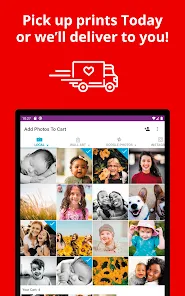
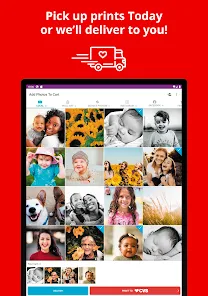
- CVS Photo Printing from Your Android Device- Home delivery available, have your prints delivered to your door- Bug fixes and UX improvements
Similar Apps












You May Like
Zipper Lock Screen: Zip Theme
Amazic Fun Hub
4.6
Themely - Icons & Widgets
Animoji Phone X & Emoji Maker Develop Team
4.8
Hole U Can Eat Home App
Hadiz Studio
4.2
USB Screen Share - Phone to TV
Battery Stats Saver
3.8
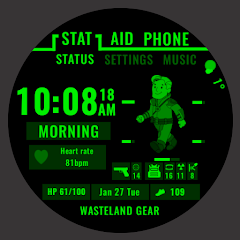
Wasteland Gear 12H/24H
Akisman001
4.4

VibeWalls-Live Wallpaper&Theme
Hong Kong Mishi Technology Co., Limited
5.0
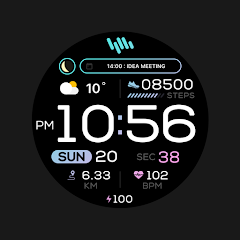
SamWatch PointColor 6 2024
Samtree

Projectivy Launcher
Spocky
4.5

Mico - Widget & Live Wallpaper
MICO LTD
4.5

Material You Widgets
AppsLab Co.
4.5

Illustration Wall
Origin DevTh

Gallerie Wallpapers
Sibelius Studios LLC
4.7