
 Home
Home  Apps
Apps  Games
Games  Windows
  Terms of Service
  Cookies & Privacy Policy
  About us
Sketch Pro: Draw & Create Art

 4.6
4.6 1,000,000+ Downloads
1.4.5 Version
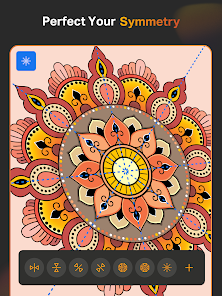
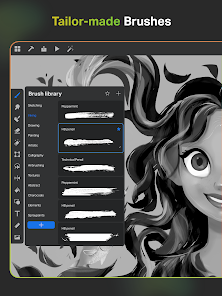
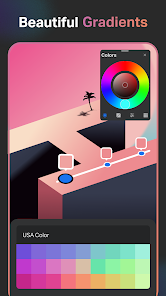
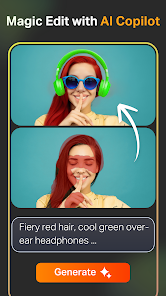
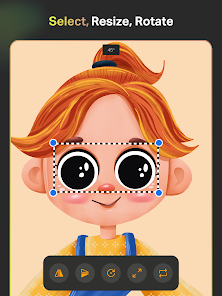
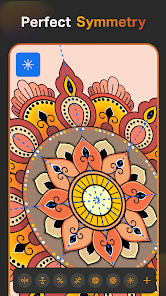
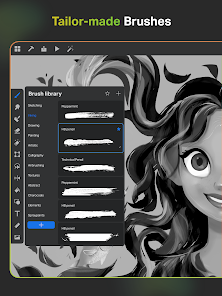
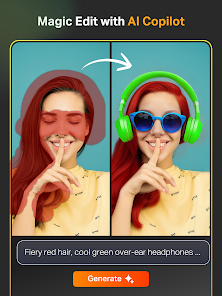
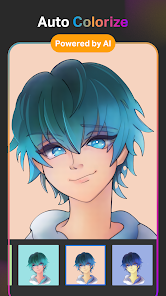
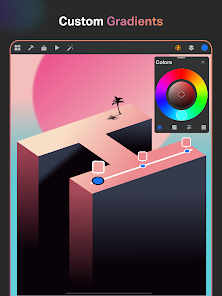
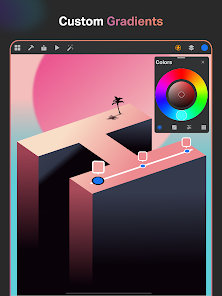
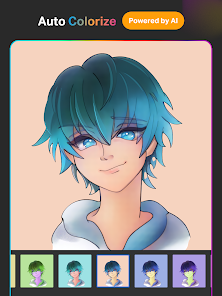
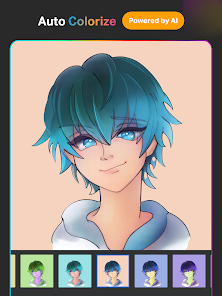
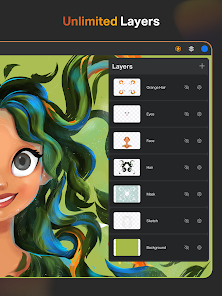
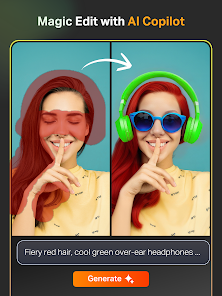
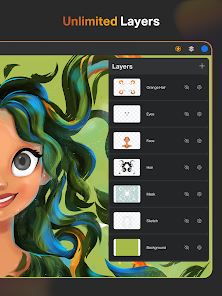
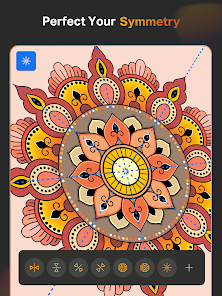
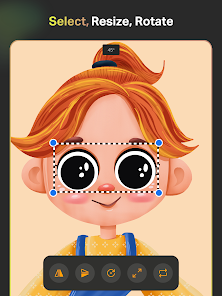
Information
- Category: Art & Design
- Price: free
- Age Rating: Everyone
- Available on: /
- Developer: 4Axis Technologies
- Updated on: Jul 3, 2026
Pros 
-
 Unleash your creativity easily
 - Intuitive interface for all
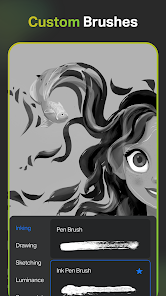
- Wide range of brushes available
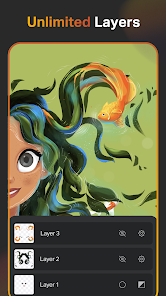
- Customizable layers for depth
- Export in high-resolution formats
Cons 
-
 Limited brush customization options
 - Steep learning curve for beginners
- Occasional performance lags
- No cloud storage integration
- Limited export formats available
Get Installation Details  Google Play
  App Store
Google Play App Store User Reviews
(24.4K Reviews) Nathaniel Brigham2026/06/24
Really intuitive, a lot of close similarities to Procreate on iPad, which I am happy with. I can draw and get into a similar "flow" with it. Procreate isn't on phones like this and while I wish the payment for this app was one time only, 20 bucks a year isn't bad and you get access to a fair amount without having to pay or make an account. It's enough that I didn't feel limited in making a simple, cave painting like picture. I haven't tried making more than one layer yet.
- Marrissa Stormweaver2026/06/05

Incompatible with S25. It seemed great to start, with so many incredible features, a variety of brushes, genuinely so incredible looking. The problem is I can't use any of it. It seemingly randomly undoes my work, and intentionally hitting undo, when it works (infrequent), undoes a TON of the work I just did. I adjusted the settings so that my stylus should have stopped with the eyedropper, it finally cooperated. Brush names vanished, replaced with "category x". It is ROUGH.
- Noah2026/05/27
It's alright. I'm not gonna even think about giving a good rating because there is a lot of ai integrated within this app. Also, it's so buggy. Every time I try to draw, it defaults to a cleaner line, and regardless of whether it is a setting or not (which I couldn't personally find), it's still an annoying feature that is on by default. Also, to mention again, ai. A drawing app that has ai on it will always be below the ones that don't. Get rid of ai, nobody asked for it, thank you.
- Emily Cordova2026/04/04
7/10 This is a good app I do enjoy using the brushes not only that it feels fun and comfortable to use! However.. On the downside I really wish this app would stop crashing my work such as taking away all of layers and such. I spent hours on a piece of work just for all of it to leave. Everything is fine until I decide to leave that project(saving it ofc) to go work on a new one just for that one to get rid of everything.. another issue I have is zooming in onto it!
- Stacy Thiess2026/04/10
As someone new to a digital drawing app, this one was not great on my phone. I might be missing something but it kept changing my shapes, deleting lines that I didn't want deleted, and would suddenly try to color pick off the page. This might be an error on my part because I'm new but it was not easy to use.
Review Source: Google Play store public user reviews.
How to use Sketch Pro: Draw & Create Art
Can I change my account email for Sketch Pro?
Yes, you can change your email in the account settings within the app.
How can I contact customer service for Sketch Pro?
You can reach customer service through the app's support section or visit the official website for contact details.
How do I activate my Sketch Pro subscription?
After purchasing, follow the on-screen instructions in the app to complete the activation process.
How do I log in to my Sketch Pro account?
Open the app and tap on the login option. Enter your registered email and password to access your account.
How do I report a problem with the Sketch Pro app?
Use the feedback option in the app or contact customer service through the website to report issues.
What's New
- Bug fixes and performance improvements.
Similar Apps












You May Like

Learn how to draw - ArtWorkout
ArtWorkout
4.4
SketchPad
Kaffeine Software
4.3
PixAI: AI Anime Art Generator
Mewtant Inc.
4.4
OneUI Fluffy Glass Icons
AppixoStudio
5.0
Nano Banana Pro - NanaAI
DavinciAi Pte. Ltd.
2.7
Movcl: AI Video Creator
Movcl Ltd.
3.0
Liquid Glass 26 Icon Pack
AppixoStudio
3.8
Cartoon OC Maker
Anfona Tech
3.2
Brother Artspira
Brother Industries, Ltd.
3.9
AR Trace Art & Sketch
LeafMotion Software
4.7

AmberPaint - Motion Brush
ALRESPOL
4.0
AI GPT Generator-Text to Video
AI Tech Labs
3.4