
 Home
Home  Apps
Apps  Games
Games  Windows
  Terms of Service
  Cookies & Privacy Policy
  About us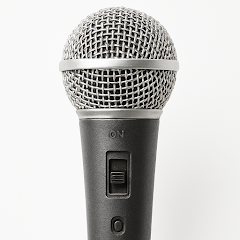
Microphone Amplifier

 4.4
4.4 10,000,000+ Downloads
13.1.0 Version
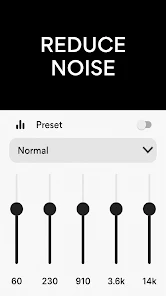
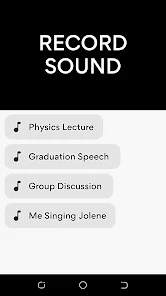
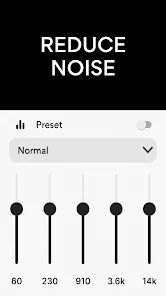
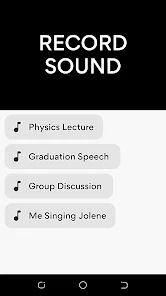
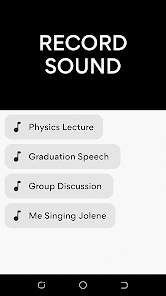
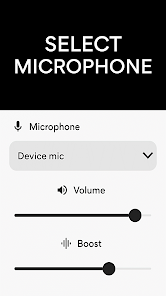
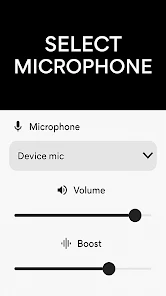
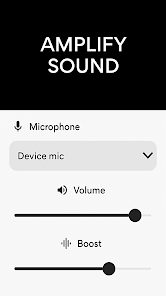
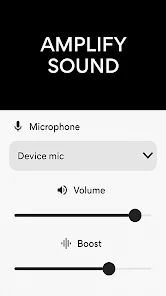
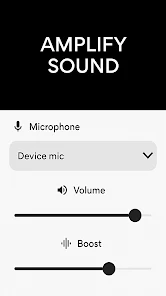
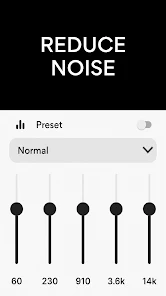
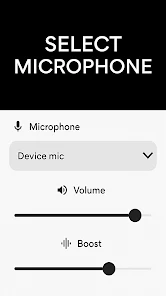
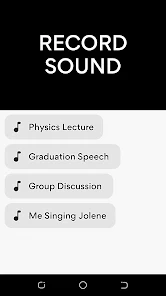
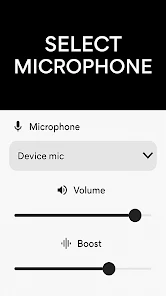
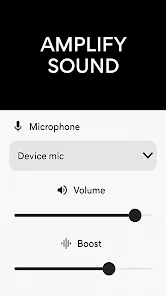
Information
- Category: Medical
- Price: free
- Age Rating: Everyone
- Available on: /
- Developer: DOSA Apps
- Updated on: May 15, 2025
Pros 
-
 Enhance your audio clarity
 - Boost sound levels effortlessly
- User-friendly interface design
- Supports various audio formats
- Record and share with ease
Cons 
-
 Limited sound quality enhancement
 - Inconsistent performance levels
- High battery consumption issues
- Potential background noise pickup
- Requires specific device compatibility
Get Installation Details  Google Play
  App Store
Google Play App Store User Reviews
(66.4K Reviews) William Nakamura2024/02/18
1. The audio quality is worse than the built-in app Voice Recorder (very robotic). I tried to change the Equalizer but it doesn't work. 2. The preset settings for the equalizer don't do anything. 3. There is no clear option to switch to a Lav mic in the headphone jack (options are: Device Mic Bottom/Top, Headset Mic Type 1/2, Bluetooth Mic Type 1/2). 4. You can record AFTER buying, so no way to test. Overall I just wasted money and time. Applying for a refund now.
- Ariel shah2026/06/29
its very good n easy to make use, but I had problem whenever I'm not in the apps, it will automatically became mute until I reopen the apps, I don't know what happened, because before this I use my infinix, it doesn't have any problem, only now when I start using redmi14c then this problem occurs...
- Roy Wilson2026/01/21
I could not get it to amplify anything as for some reason it seems to hear the speaker in another room and still get a feedback loop. turning down the sound source seem to help a little. I will tell you to turn it off first before you turn off whatever Bluetooth connection speaker you are using.
- Shalem Loritsch2026/02/04
What a useless app. It was advertised online as a way to control the built-in microphone sensitivity, which it does not do at all. All it does is play what it hears from the mic through the speakers. Adjusting the mic boost adjust the speaker/playback volume, not the microphone gain/recording volume. Oh and the nasty ads make the experience unbearable.
- Callisto Pili2025/01/18
I installed the App but I decided not to use. I understand the App is not free but three days evaluation and then a monstre amount of money per week, is unacceptable. People don't even realize three days passed quickly and tell Google Play store to remove the subscription. maybe is worth maybe not. for something that should be embedded into Android for free. I want just to increase the microphone level, nothing else.
Review Source: Google Play store public user reviews.
FAQ
Can I submit suggestions or feedback to Microphone Amplifier?
Yes, users can submit feedback through the app's support section or official website.
Does Microphone Amplifier collect my personal data?
The app may collect minimal data for functionality but does not share personal information with third parties.
Does Microphone Amplifier support offline use?
Yes, Microphone Amplifier can be used offline without an internet connection.
How do I cancel my Microphone Amplifier subscription?
You can cancel your subscription through your app store account settings before the next billing cycle.
How much does a subscription to Microphone Amplifier cost?
Subscription costs vary based on the plan, typically starting at a few dollars per month.
How to use Microphone Amplifier
How can I contact customer service for the Microphone Amplifier app?
You can reach customer service through the app's settings or visit our website for support options.
How do I activate the Microphone Amplifier app?
To activate, enter the activation code sent to your email after purchase in the app's settings.
How do I log in to the Microphone Amplifier app?
Open the app and enter your registered email and password on the login screen.
Is activation necessary for the Microphone Amplifier app?
Yes, activation is required for full features; follow the prompts after installation.
What is the customer number for the Microphone Amplifier app?
The customer number is available in the app's help section or on our official website.
What's New
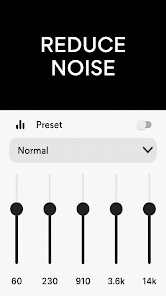
- • Noise Cancellation• Left/Right Audio Balance
Similar Apps















You May Like

FollowMyHealth®
Veradigm LLC
4.8

VisualDx
VisualDx
3.9

Twin Health
Twin Health
4.7

myPatientVisit Portal
Nextech Systems, LLC
3.4

Hearing Aid APP:PETRALEX 4 EAR
Algorithm electronics
4.5

ERG for Android
PHMSA
4.2

EndeavorOTC®: Outplay ADHD
Akili Interactive Labs, Inc.
3.4
DSM-5-TR® Diagnostic Criteria
American Psychiatric Association
4.5

Complete Anatomy
3D4Medical from Elsevier
3.4

Blood Pressure Tracker
aadhk
4.6

ARO 2026
MetaPort Systems, LLC

Accredo
Accredo Health Group, Inc
4.7