
 Home
Home  Apps
Apps  Games
Games  Windows
  Terms of Service
  Cookies & Privacy Policy
  About us
Nomad Sculpt

 3.6
3.6 1,000,000+ Downloads
2.8 Version
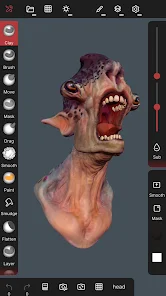
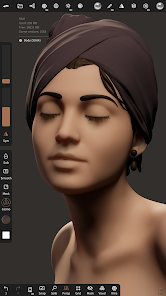
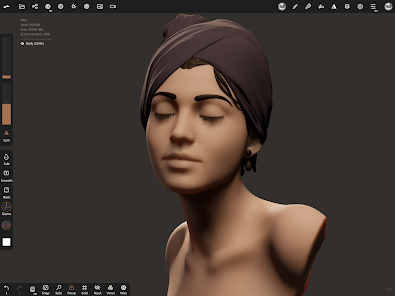
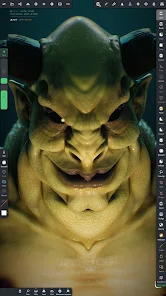
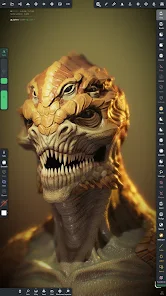
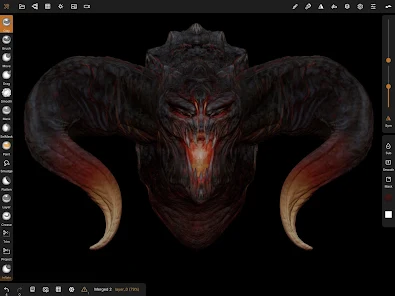
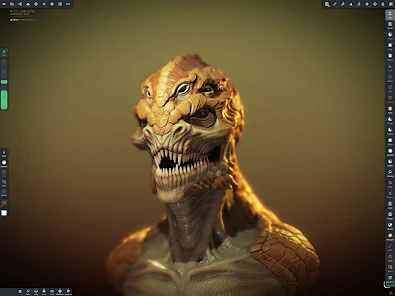
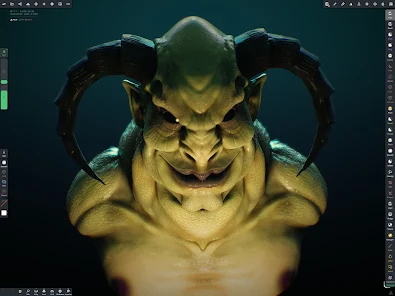
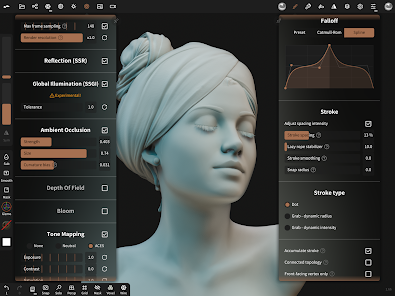
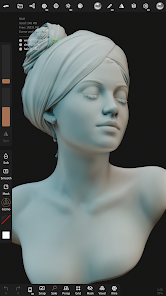
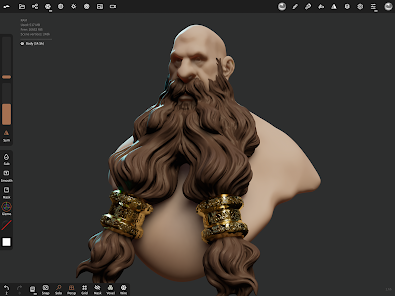
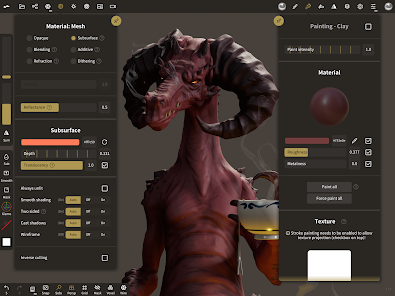
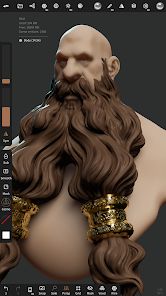
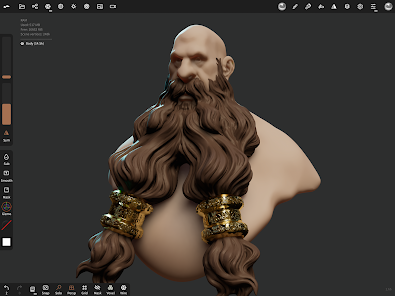
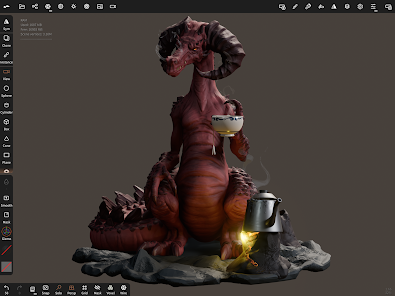
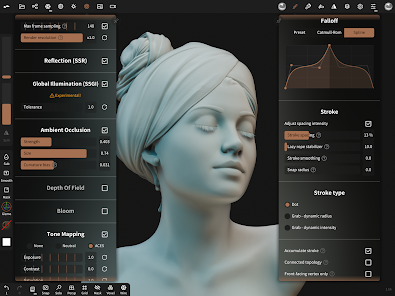
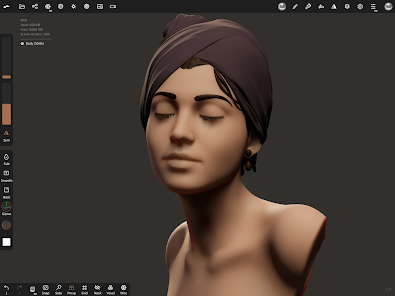
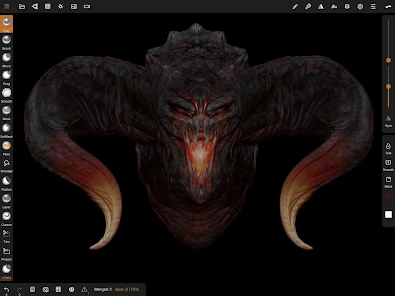
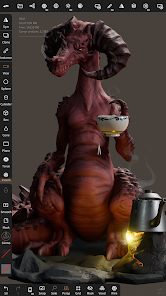
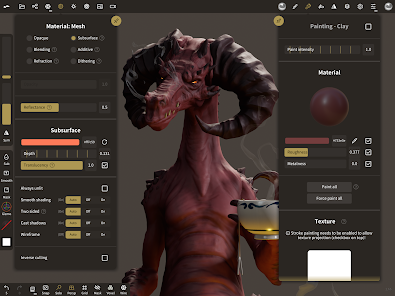
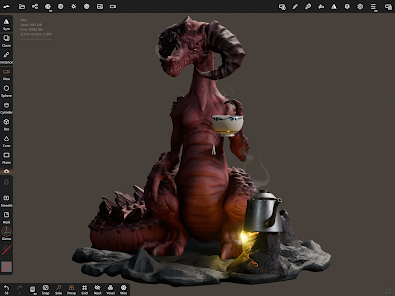
Information
- Category: Art & Design
- Price: free
- Age Rating: Everyone
- Available on: /
- Developer: Hexanomad
- Updated on: Dec 22, 2025
Pros 
-
 Nomad Sculpt offers intuitive tools
 - Perfect for 3D modeling
- Supports multi-resolution sculpting
- User-friendly interface design
- Seamless export options available
Cons 
-
 Limited export options available
 - Steep learning curve for beginners
- Performance issues on older devices
- Lacks advanced sculpting tools
- No built-in tutorial guidance
Get Installation Details  Google Play
  App Store
Google Play App Store User Reviews
(8.56K Reviews) Charles Poltenson2024/10/16
It seems like a decent sculpting program. However, just like it's competitor Sculpt+, it's paywalled, which makes it tough to decide which to go with. To the developers, I'd recommend giving free users the chance to do some more things, maybe after watching an ad. As a new digital sculpter, it's especially a pain not being able to import models. For beginner sculpters like me, it may be best to just stick to Blender on a PC while learning.
- cozy gaming2020/12/26
When I first used it I was just experimenting and having fun. It was abit difficult since I was on my laptop using a drawing tablet but I had too much fun and I got it on my phone which was easier. It's sad that there's only one undo which really bothered me since I made tons of mistakes while making horns for a character I wanted to create as I was experimenting. I eventually got the full version and it's so exciting and fun! I love it. This is such a amazing app! Keep it up!
- 9er B.2022/12/30
No longer using free version. This app is really worth the price. I am amazed at how a noob like me is able to create things on the fly, honestly. My skills consist of half@$$ sketches and doodles, no formal training or schooling. My one issue is not being able to import reference material in background while working on projects, perhaps due to my "not-so high-end tablet?" Still even then, this is an awesome app and not very difficult to figure out. Your creative juices will flow.
- K. K.2024/03/08
It isn't good for beginners because it doesn't even remotely tell you how to use the tools, and it's too basic for people who already know. Having the undo button and access to multiple projects be mostly locked behind a paywall is ridiculous, and I don't find this usable. It might be decent with the paid version, but this needs some bug fixes, and at least some sort of tutorial.
- David Marchesi2021/03/16
It's hard to overstate how impressive this tool is for beginners or advanced users of 3D sculpting. If you wanted to sculpt on your phone, seriously don't bother with anything else. This rivals zBrush and other like minded programs for a 10th of the cost if you choose to buy it. That's not to say the free version isn't worth it, it's definitely good to test out, and it feels amazing. And the updates are fast and they take your critique seriously, you couldn't ask for better.
Review Source: Google Play store public user reviews.
How to use Nomad Sculpt
How can I contact customer service for Nomad Sculpt?
You can reach customer service through the app's support section or visit their official website for contact details.
How do I log in to my Nomad Sculpt account?
If you have an account, open the app and enter your credentials on the login screen. If you don’t have an account, you can create one directly in the app.
Is activation required for Nomad Sculpt?
No activation is required; simply download the app and start using it. However, some features may require a purchase.
What is the customer number for Nomad Sculpt?
Nomad Sculpt does not have a specific customer number; support is typically handled via email or through the app.
What's New
- usd: fix crash on export and importscene: group lock will now lock its childrenboolean: fix random crashinput: fix second single tap sometimes not being recordedreference: simplify reset view on unlock optionreference: fix transform mode going crazy when reference is locked and rolled
Similar Apps














You May Like

Learn how to draw - ArtWorkout
ArtWorkout
4.4
SketchPad
Kaffeine Software
4.3

PixAI: AI Anime Art Generator
Mewtant Inc.
4.4
OneUI Fluffy Glass Icons
AppixoStudio
5.0

Nano Banana Pro - NanaAI
DavinciAi Pte. Ltd.
2.7
Movcl: AI Video Creator
Movcl Ltd.
3.0
Liquid Glass 26 Icon Pack
AppixoStudio
3.8
Cartoon OC Maker
Anfona Tech
3.2

Brother Artspira
Brother Industries, Ltd.
3.9
AR Trace Art & Sketch
LeafMotion Software
4.7

AmberPaint - Motion Brush
ALRESPOL
4.0
AI GPT Generator-Text to Video
AI Tech Labs
3.4