
 Home
Home  Apps
Apps  Games
Games  Windows
  Terms of Service
  Cookies & Privacy Policy
  About us
Planet Free VPN ™ Super Proxy

 4.6
4.6 10,000,000+ Downloads
8.3.4 Version
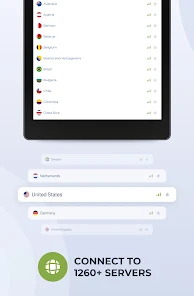
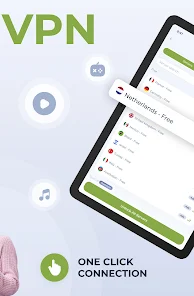
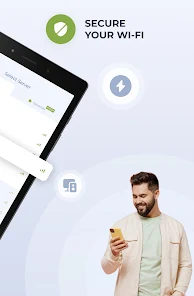

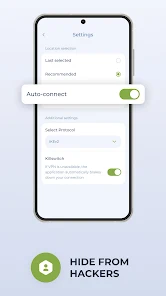
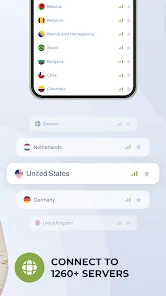
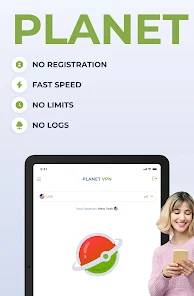
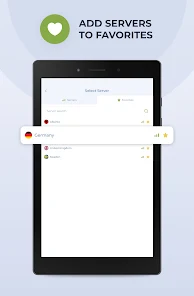
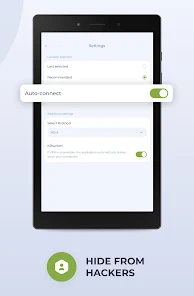
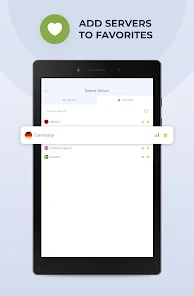
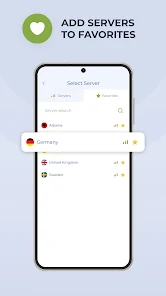
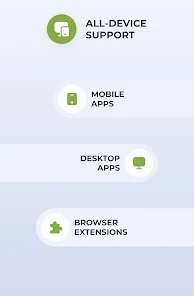
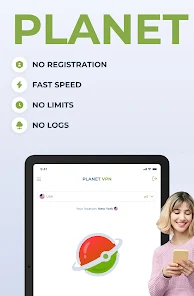
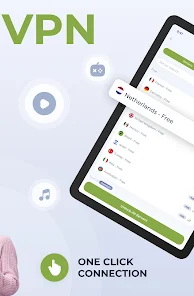
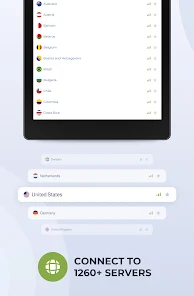
Information
- Category: Productivity
- Price: free
- Age Rating: Everyone
- Available on: /
- Developer: Free VPN Planet
- Updated on: Jun 20, 2026
Pros 
-
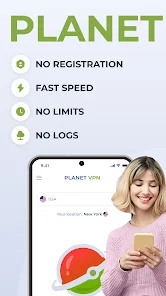
 Experience lightning-fast speeds
 - Secure your online privacy
- Access global content easily
- User-friendly interface design
- No data limits or restrictions
Cons 
-
 Limited server locations
 - Slower connection speeds
- Frequent ads and pop-ups
- Inconsistent performance
- Potential privacy concerns
Get Installation Details  Google Play
  App Store
Google Play App Store User Reviews
(1.97M Reviews) Derek Lemaster2026/06/28
Can't figure how how to shut the stupid thing off when I'm done using it. Edit: A Google search and the developer say there is a disconnect button, but I had seen no such thing anywhere on my phone. Edit 2: I have a Zfold phone. The disconnect button does not appear when the phone is open. You have to close the phone and use the small screen for the disconnect button to appear. Changing my review from 1 to 3 stars because the app worked for what I wanted it for, but the user interface sucks.
- Kirsten Doyle2026/06/06
The name of the app is misleading. They do have a free version but its limited to 2 hours, 6 vpn locations and has ads. No high speeds, p2p, streaming, double VPN, no configuration, split tunneling or customer service is included in the "free version". Inorder to get those features you have to pay for the premium subscription which is either $59.99 a year, $9.99 a month or $4.99 a week and can only be used on the device its on.
- Scarlet Nite2026/05/02
used to be fantastic. then an update limited the free servers available. so I paid for a subscription. and still cannot access the premium stuff, even though the money was taken from my account and I have an email receipt of purchase from planet VPN. I emailed them and got no response. very disappointed and feel scammed.
- Naikō-teki Complex2025/03/09
I posted how bad this app gets after a few uses. And my mind has not changed. Even after suggestions from the developer. It does not stay connected. You can do all you want in the settings. You can uninstall all day. It is not reliable at all. Not buying any of these posts giving it full stars. I don't subscribe, I use the free version so maybe that's why it worked well for the first week only. Maybe they do this purposely to get you to go premium. All I know is this app is a total fail.
- Kevin Ecker2025/03/02
This app has been giving a very hard time lately. It used to be great can switch places any time. Aside from the ads. Now I have to constantly uninstall and reinstall the app every single time I want to use it. It barely even connects to anything now. Sometimes I have to do that a few times before it connects once and then if I disconnect and try to reconnect later on, it freezes and doesn't connect or cancel and I have to unistall and reinstall again. It's never given me these issues.
Review Source: Google Play store public user reviews.
How to use Planet Free VPN ™ Super Proxy
How can I contact customer service for Planet Free VPN?
You can reach customer service through the app's support section or visit the official website for contact details.
How do I activate Planet Free VPN?
After downloading, open the app, create an account or log in, and follow the prompts to activate your subscription if required.
How do I log in to the Planet Free VPN app?
Open the app and enter your registered email and password, then tap 'Log In' to access your account.
What is the customer number for Planet Free VPN?
The customer number is typically provided in the app or on the official website under the support section.
Similar Apps













You May Like

Microsoft Word App
Microsoft Corporation
4.8
Microsoft Word: Edit Documents
Microsoft Corporation
4.8
Microsoft Teams
Microsoft Corporation
4.7
Google Calendar
Google LLC
4.6
PDF Viewer Easy
XuanLong Studio
MiraClean - File Manager
NOVAGE DEV
3.7

HAwake - Voice Assist for HA
IT-BAER
All Documents: PDF Reader
Vu Developer
Focus To-Do: Pomodoro & Tasks
Pomodoro Timer & To Do List - SuperElement Soft
4.6

QuillBot: AI Writing Assistant
QuillBot
3.8

NWS Mobile
New World Publisher
4.9
Yoti - your digital identity
Yoti
4.4