
 Home
Home  Apps
Apps  Games
Games  Windows
  Terms of Service
  Cookies & Privacy Policy
  About us
NAPA PROLink

 2.8
2.8 100,000+ Downloads
2.5.50 Version
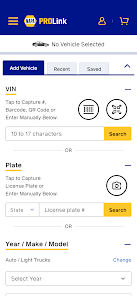
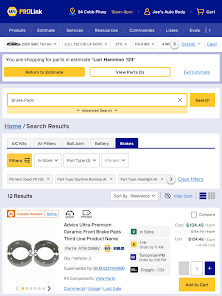
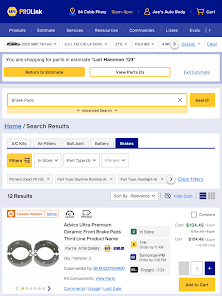
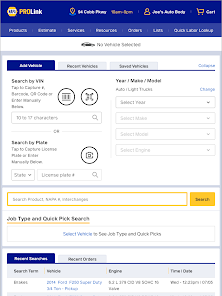
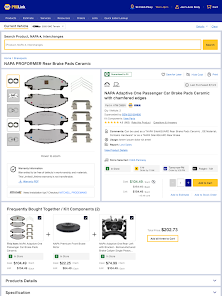
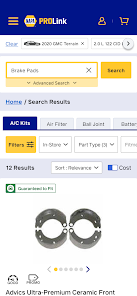
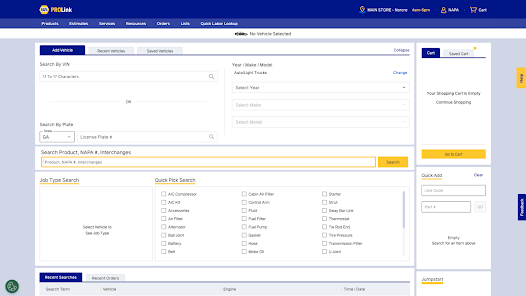
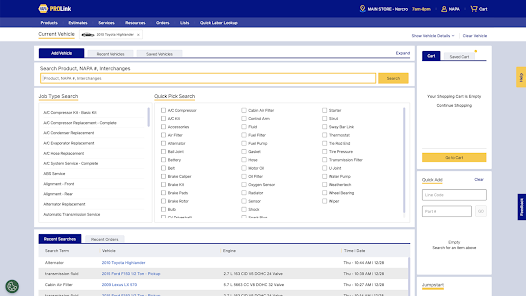
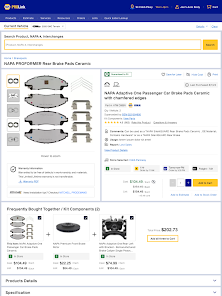
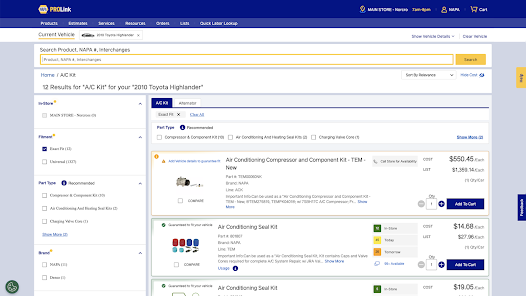
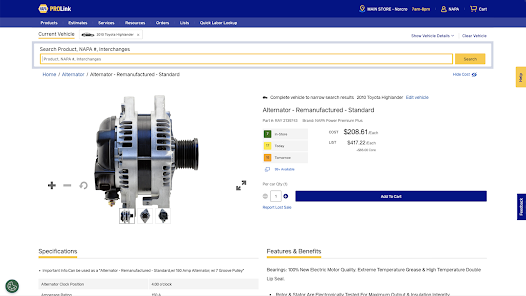
Information
- Category: Auto & Vehicles
- Price: free
- Age Rating: Everyone
- Available on: /
- Developer: NAPA PROLink
- Updated on: May 27, 2026
Pros 
-
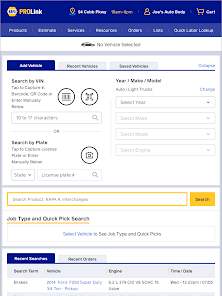
 NAPA PROLink app simplifies ordering
 - Access to exclusive promotions
- Real-time inventory updates
- Streamlined invoicing process
- User-friendly interface design
Cons 
-
 Limited offline access
 - User interface can be cluttered
- Occasional syncing issues
- Requires constant updates
- Steep learning curve for new users
Get Installation Details  Google Play
  App Store
Google Play App Store User Reviews
(534 Reviews) Toby Kennerk2026/06/23
crashes constantly only app on my phone that does this orders zero and never send constantly battling this app. great idea when it works. Do better
- Matt Pendleton The Kitchen Mechanic2026/06/02
What a terrible app! Won't work with my camera, so it won't scan vin numbers. Which was the only good thing about the app! I guess I shouldn't be too surprised since their website sucks as well!
- John Thompson2026/06/01
Always an issue whenever I try to use the app. Bugs, signs me out, and it's always just buggy. Website is far better.
- Scott Abker2026/06/01
App won't open. Shows the blue screen logo and freezes.
- Andrew Hoschar (PNW KLOWN)2026/05/01
Does not store any login info. Crashes a lot. Easier to use the website than this app.
Review Source: Google Play store public user reviews.
How to use NAPA PROLink
How can I contact customer service for the NAPA PROLink app?
You can reach NAPA customer service by calling their support number listed in the app or on the NAPA website.
How do I activate my NAPA PROLink account?
Check your email for an activation link from NAPA, click it, and follow the prompts to complete the activation.
How do I log in to the NAPA PROLink app?
Open the app, enter your registered email and password, then tap 'Log In' to access your account.
Is activation necessary for the NAPA PROLink app?
Yes, you need to activate your account after registration by following the instructions sent to your email.
What is the customer number for NAPA PROLink?
The customer number is typically provided during account registration or can be found in your account settings within the app.
What's New
- We’ve made a few important updates to keep things running smoothly:Updated the Android app to support 16KB memory page size, meeting the latest Google Play requirements.Enabled direct access to carrier tracking links from within the app.Thanks for using our app!
Similar Apps













You May Like

CarGurus
CarGurus, Inc
4.7

Shell: Fuel, Charge & More
Shell Information Technology International B.V.
3.5

Driving Instructor-Theory Test
Naz Digital
4.6
Fuel Forward
Phillips 66 Mobility
4.5

Talenelectric
深圳市天能健电气技术有限公司

Sentry Pro—Tesla Notifications
Sentry Brain S.M.P.C.
4.4

Redtiger Cam
REDTIGER TECH, INC.
2.5
OBD2 Car Scanner: Torque ELM
MONIQ TAP., CO LTD
3.9
CL Theme Card
Apps LabDev
Car Play Connect for Android
LeoStudio Global Ltd.
4.4
BimmerLink for BMW and MINI
SG Software GmbH & Co. KG
4.3
BikeWale- Bikes & Two Wheelers
CARTRADE TECH LTD
4.6