
 Home
Home  Apps
Apps  Games
Games  Windows
  Terms of Service
  Cookies & Privacy Policy
  About us
AirPin PRO - AirPlay & DLNA

 4.0
4.0 10,000+ Downloads
5.6.1 Version
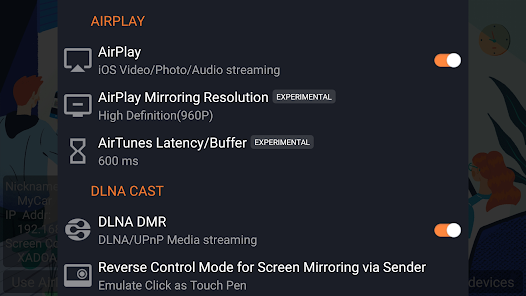
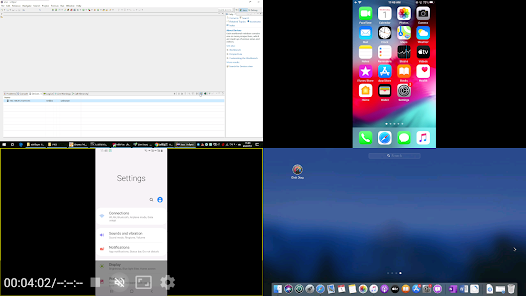

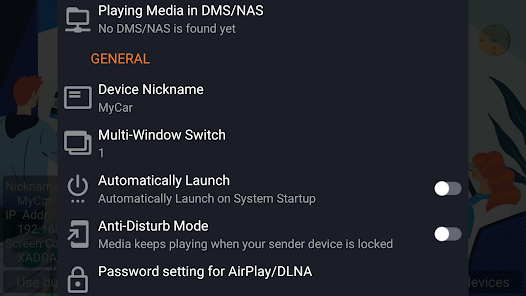
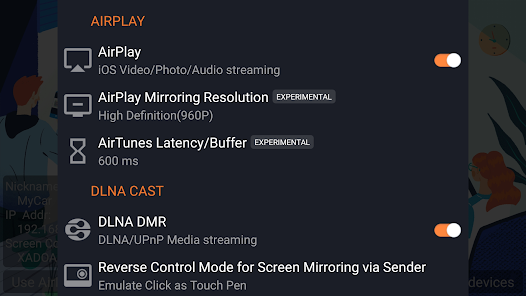
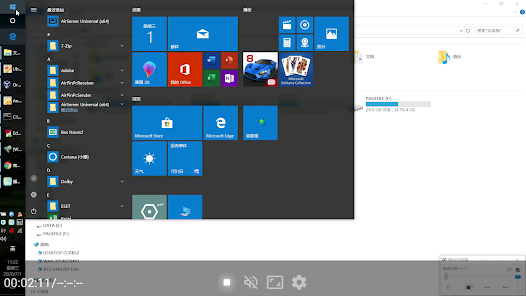
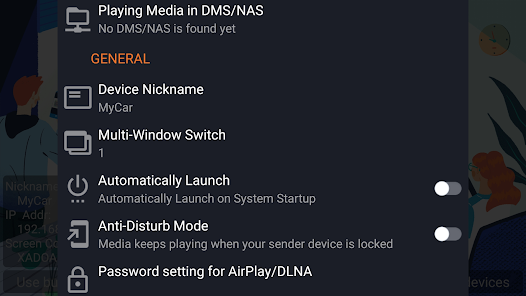

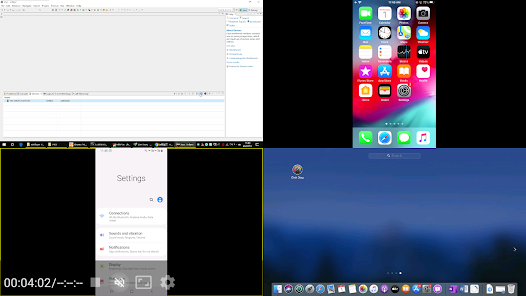
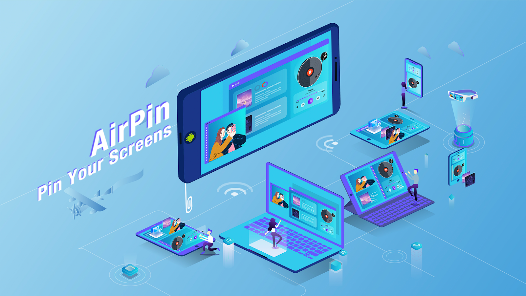


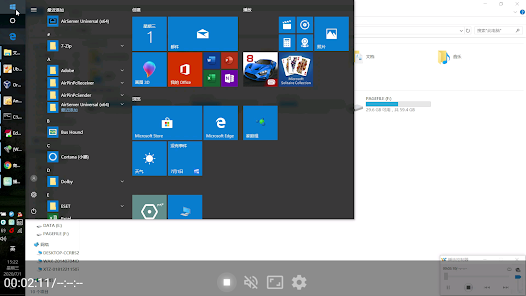
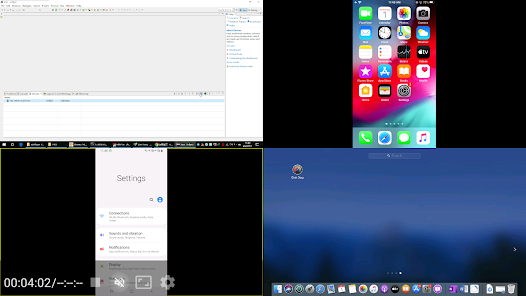
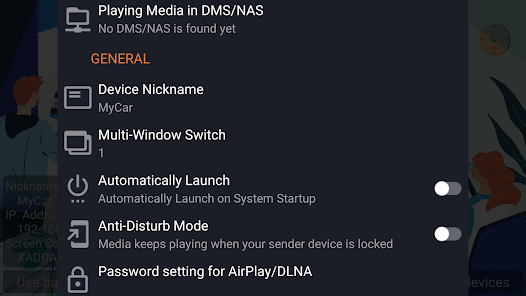
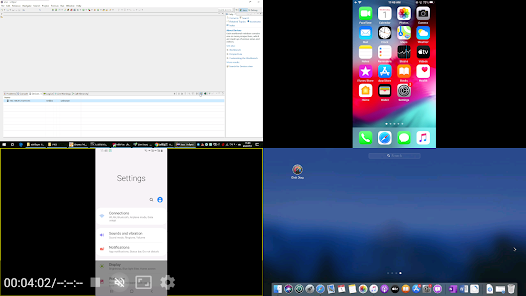
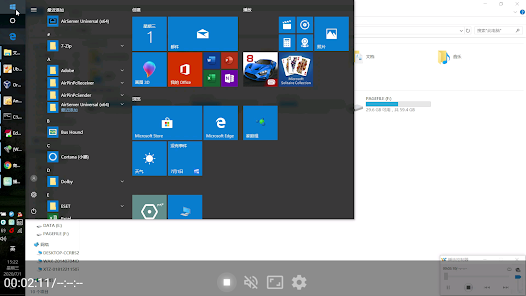
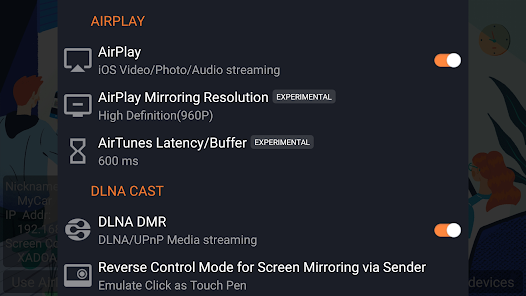
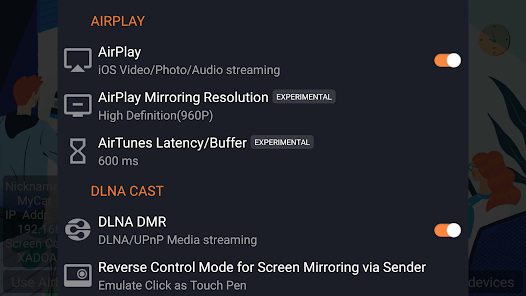


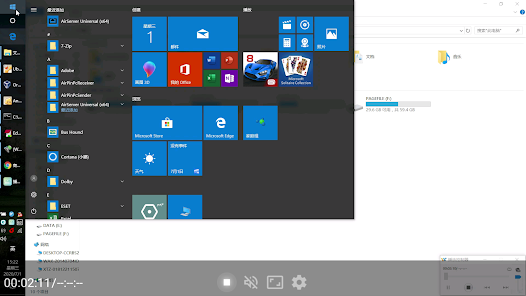

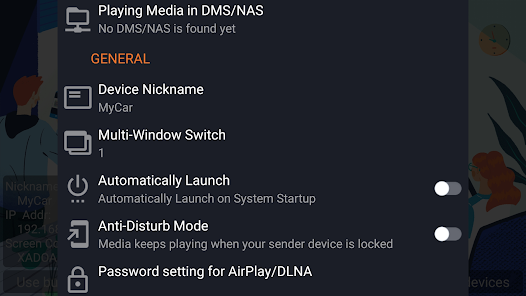

Information
- Category: Video Players & Editors
- Price: $4.99
- Age Rating: Everyone
- Available on: /
- Developer: WaxRain Tech.
- Updated on: Dec 24, 2024
Pros 
-
 Experience seamless streaming
 - Enjoy high-quality audio
- Supports multiple devices
- User-friendly interface
- Easy setup and connection
Cons 
-
 Limited device compatibility
 - Occasional connection issues
- User interface can be confusing
- Performance may lag sometimes
- Requires stable Wi-Fi network
Get Installation Details  Google Play
  App Store
Google Play App Store User Reviews
(240 Reviews) Joe Joe2021/11/26
You guys have an outstanding service and support. I purchased AirPlay Pro on 2016. 2 days ago I found that the version was removed by Google for unkwon reason. It is sad they lost their good reviews. I'm glad, in 24 hours only they refunded me what I paid for the previous version. I used the money to buy AirPin Pro. All this in less than 24 hours. In fact after serious calculation I found that they added me an extra dollar. I tested the App now and it is fantastic as usual. Keep it up, THANKS.
- Fabrice Pipart2021/06/18
I don't understand why this software is not more popular! I want to be able to stream my iPhone to my Android TV (Sony). For that you need something that simulates native AirPlay capabilities. This is clearly the best solution to do so. And the cheapest! Simple, always on, always works. I even had to contact the support and it was super helpful. Problem solved instantly in the easiest manner for both of us. Well done. Clearly a 5 stars
- santosh kumar Gunasekaran2020/05/04
Though there is no rating, I decided to give it a try, for I noticed this app is not a new one and has a long history in the description. It's beyond my expectaion. I can mirror iphone, Ipad and even my windows PC smoothly. I installed their sender app on my PC, and it is very easy to use. Just a click, I can mirror the whole screen or stream the videos in my file. I read the descriptions and found there are some other features. I will explore more later.
- Jonathan Yin2020/08/17
You could waste your time searching for something cheaper, exploring options with a prettier UI, reading about alternatives with bigger marketing budgets or you could just get this, run it in the background and easily add an AirPlay option to your Android TV. I wish I hadn't wasted my time. :)
- Dev Harsh2020/05/04
You won’t regret, trust me... I don’t have any other app to compare it and I don’t need it. This is the best app and value for money. In addition, you are covered with technical support for any issue. Email them directly for any query, they are very prompt and professional. It is small in size and doesn’t need too many accesses of your mobile to get installed. So 5+ stars from me.

Review Source: Google Play store public user reviews.
FAQ
Can I submit suggestions or feedback to AirPin PRO?
Yes, users can submit feedback and suggestions through the app's support or contact features.
Does AirPin PRO collect my personal data?
AirPin PRO may collect minimal data for functionality but prioritizes user privacy.
Does AirPin PRO support offline use?
AirPin PRO primarily requires an internet connection for streaming but may allow some offline functionalities.
How do I cancel my AirPin PRO subscription?
You can cancel your subscription through your app store account settings or within the app itself.
How much does a subscription to AirPin PRO cost?
The subscription cost varies; check the app for the latest pricing details.
How to use AirPin PRO - AirPlay & DLNA
How can I contact customer service for AirPin PRO?
You can reach customer service through the app's support section or visit the official website for contact details.
How do I activate AirPin PRO?
To activate, open the app, go to settings, and enter your activation code or follow the prompts for account setup.
How do I log in to AirPin PRO?
Open the app and enter your credentials. If you don’t have an account, you can create one directly in the app.
Is activation necessary for AirPin PRO?
Yes, activation is required to access all features. Follow the in-app instructions to activate your account.
What is the customer number for AirPin PRO support?
The customer number is typically provided in the app or on the official website under the support section.
What's New
- v5.6.1:1)Improve compatibility for AirPlay and DLNA; 2)Improve compatibility for live broadcast streaming;3)Fixed other known bugs.v5.4.5:1)Improve compatibility for DLNA 1.5;2)Add doodle menu;3)Fixed other known bugs.
Similar Apps














You May Like

FlipaClip: Create 2D Animation
Visual Blasters LLC
4.3

Photo Editor Video Maker Music
beauty app inc
4.6

Video Downloader: Browser Home
Video Downloader App Developer
4.3

Veom Rigel AI Film Generator
Kata Tech.
4.3

AI Video Maker With Music
Aquaworld Infotech
3.3

KwaiCut - Video Editor
Kwai Technology Limited
4.2

Video Editor & Video Maker
InShot Video Editor
4.8

BlackHole
fawazapp
3.9

Jellyfin
Jellyfin
4.1

YouTube Create
Google LLC
3.8

Spring - Video Editor & Maker
KineMaster, Video Editor Experts Group
4.6

D-ID: AI Video Generator
D-ID
4.6