
 Home
Home  Apps
Apps  Games
Games  Windows
  Terms of Service
  Cookies & Privacy Policy
  About us
Screen Recorder+Video Recorder

 4.6
4.6 5,000,000+ Downloads
2.0.3.2 Version
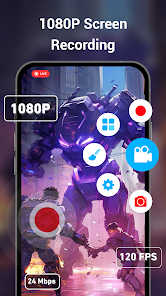
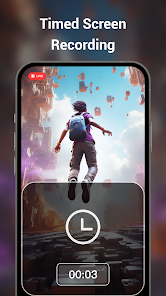
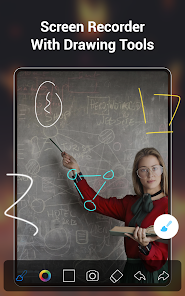
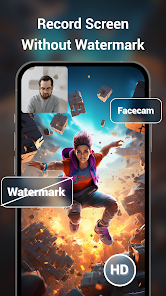
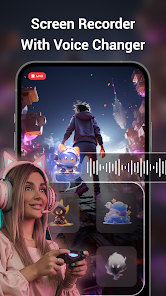
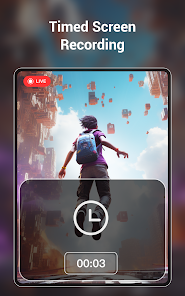
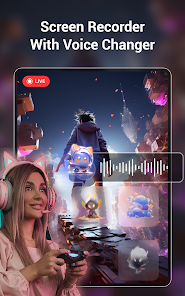
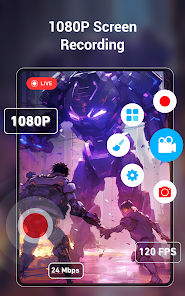
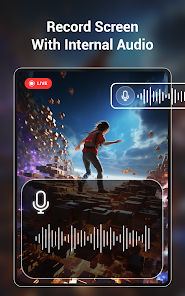
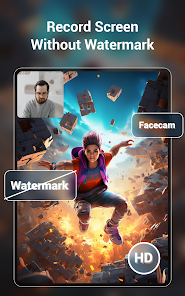
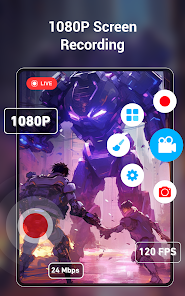
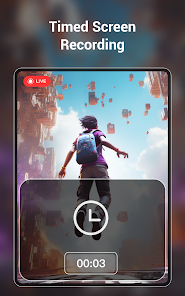
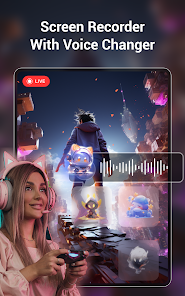
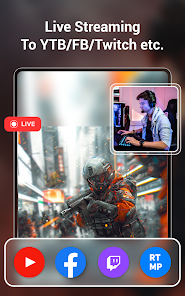
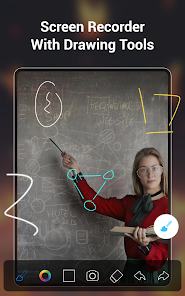
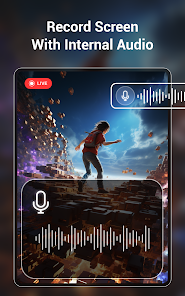
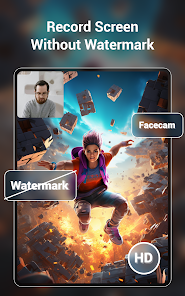
Information
- Category: Video Players & Editors
- Price: free
- Age Rating: Everyone
- Available on: /
- Developer: Video Screen Recorder, Voice Audio Editor, Cut MP3
- Updated on: Jun 5, 2026
Pros 
-
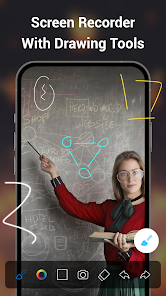
 Capture high-quality videos
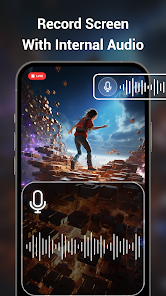
 - Record your screen effortlessly
- Edit videos with ease and style
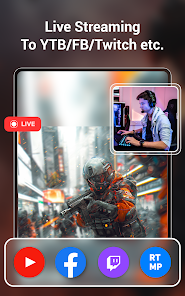
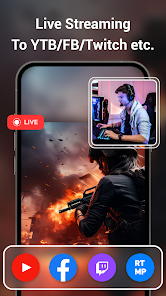
- Share directly to social media
- User-friendly interface for all
Cons 
-
 Limited editing options available
 - May consume significant storage
- Can affect device performance
- Ads may disrupt user experience
- Compatibility issues with some devices
Get Installation Details  Google Play
  App Store
Google Play App Store User Reviews
(55.5K Reviews) Danielle Ritchie2021/12/27
Make sure you go to your settings and allow microphone permission or will have video with no sound. My first review was great because I was actually able to record audio and then all sudden it stopped it doesn't matter what I've done so far from the directions from this app and online for some reason it's not working I even uninstalled and reinstalled and I am paying for the pro version so I do not know why audio is not being recorded.
- Tasfiya Monir2026/06/04
very good app and thanks to give 1080p for free
- Anushka Lama2026/06/07
This aap is very nice and it works propery and this app doesnt send many notificaton🫠😄😁😜😘
- anita udeh2026/06/13
wonderful app that works with ease. thank you
- Michael Muir2025/01/29
I would have been willing to subscribe or purchase this app however the ridiculous advertisement taking up half my screen and then the pay-first-cancel-later approach to the 3 day trial has deterred me. If your trial period and process was more realistic I would very likely have turned into a customer. New users beware of the trial paywall.
Review Source: Google Play store public user reviews.
How to use Screen Recorder+Video Recorder
How can I contact customer service for the Screen Recorder+Video Recorder app?
You can reach customer service through the app's settings or visit the official website for support options.
How do I activate the premium features of the app?
To activate premium features, purchase a subscription through the app and follow the prompts to complete the activation.
How do I log in to the Screen Recorder+Video Recorder app?
Open the app and tap on the login option. Enter your credentials or sign up if you don't have an account.
Is activation necessary for the Screen Recorder+Video Recorder app?
Yes, activation may be required for premium features. Follow the in-app instructions to activate your account.
What is the customer number for support inquiries?
The customer number is typically provided in the app's help section or on the official website. Please check there for the most accurate information.
What's New
- 1. New UI interface, easier to operate.2. Fix some bugs, more stable screen recording.
Similar Apps












You May Like

FlipaClip: Create 2D Animation
Visual Blasters LLC
4.3

Photo Editor Video Maker Music
beauty app inc
4.6

Video Downloader: Browser Home
Video Downloader App Developer
4.3

Veom Rigel AI Film Generator
Kata Tech.
4.3

AI Video Maker With Music
Aquaworld Infotech
3.3

KwaiCut - Video Editor
Kwai Technology Limited
4.2

Video Editor & Video Maker
InShot Video Editor
4.8

BlackHole
fawazapp
3.9

Jellyfin
Jellyfin
4.1

YouTube Create
Google LLC
3.8

Spring - Video Editor & Maker
KineMaster, Video Editor Experts Group
4.6

AirPin PRO - AirPlay & DLNA
WaxRain Tech.
4.0