
 Home
Home  Apps
Apps  Games
Games  Windows
  Terms of Service
  Cookies & Privacy Policy
  About us
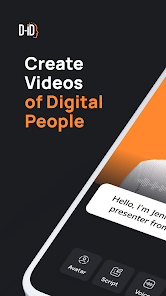
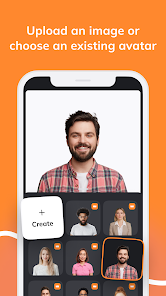
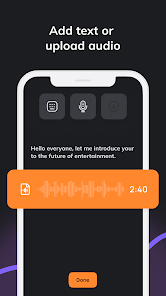
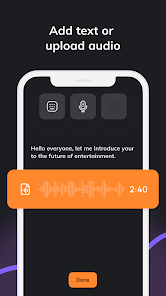
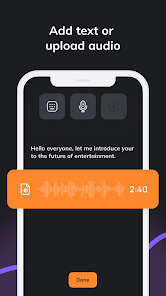
D-ID: AI Video Generator

 4.6
4.6 1,000,000+ Downloads
1.2.41 Version
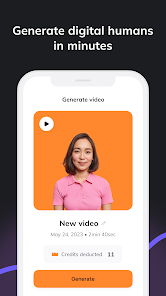
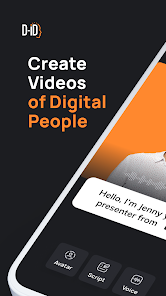

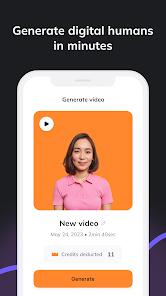
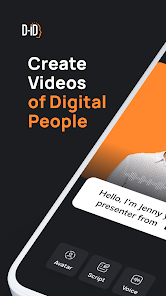
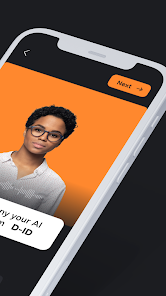


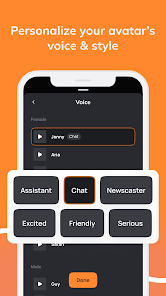
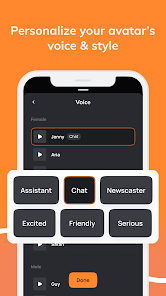
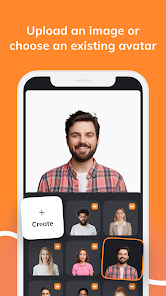
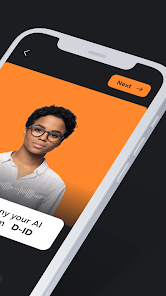
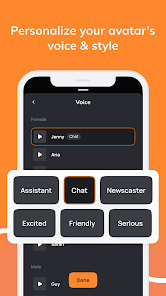
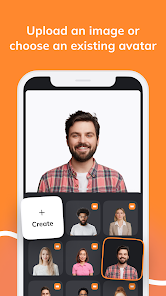
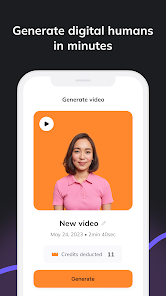

Information
- Category: Video Players & Editors
- Price: free
- Age Rating: Everyone
- Available on: /
- Developer: D-ID
- Updated on: May 15, 2026
Pros 
-
 Transform text into video
 - Create lifelike avatars easily
- Multilingual support available
- Customizable backgrounds and styles
- User-friendly interface for all
Cons 
-
 Limited customization options
 - High subscription costs
- Occasional rendering glitches
- Dependency on internet speed
- Limited language support
Get Installation Details  Google Play
  App Store
Google Play App Store User Reviews
(56.8K Reviews) Curtis Watson2025/05/03
The app allowed me to create one video and then couldn't generate anything after that. It's time consuming listening to different voices just to find the right one. I was a subscription holder and was enjoying the app. But after constantly getting an error message. I have lost interest in your program and will search for another that will get the job done.
- Jeff Berry2024/01/21
Reading everyone's comments made me think this app was going to be awesome., but once I downloaded it and signed in. You can't even make a single one without it being locked behind a pay wall. You could have at least allowed a few tries so people could see what there getting instead of making people pay for something they don't know with be good or not. Uninstalling now.
- Masenkoh2025/04/08
every time I record the voice, I have to relog in and do everything from scratch that I created. this has happened several times. I even un-installed and reinstalled the app. I upload the picture to animate, then I paste the script, next I go to do the voice, and when it's done, it has me logged out completely. I'm not sure why I'm paying for a service that doesn't work. You're the only app that can do what you're claiming, and yet your also the only app not working proper.
- Boujee Goddezz2024/01/01
Not worth it at all!! Lol. Why offer a free trail and not allow the user to use ALL the effects, and when the 14 days up stop the use until paid. I have no idea if this app would really be worth $30 bucks a month, cause what I used so far, voices too robotic sounds erry.. and then there's NO MOVEMENT!! Lol I wanted the free trial to see if it would do what I need before I bought it and used it as a teaching tool in my class of over 25k people.. but I will not be reviewing or promoting this
- Jacob Drew2024/01/05
Why pay for something when it can't even let you try it to see what it does or how well before you enter a debit/credit card? At least show me what it can do with my picture I take . Tried it, took a picture wrote a script and then it wants me to enter a card to see what it does. Don't work that way with me . Deleted. Probably trash. Should be a free app.
Review Source: Google Play store public user reviews.
How to use D-ID: AI Video Generator
How can I contact customer service for the D-ID AI Video Generator app?
You can reach customer service through the app's support section or visit their official website for contact details.
How do I log in to the D-ID AI Video Generator app?
Open the app and enter your registered email and password, then click 'Log In.'
Is there a way to activate the D-ID AI Video Generator app?
If activation is required, follow the instructions sent to your email after purchase or check the app's settings.
What is the customer number for D-ID support?
The customer number is typically provided in the app or on the official website under the support section.
What's New
- Bug fixes and improvements.
Similar Apps












You May Like

FlipaClip: Create 2D Animation
Visual Blasters LLC
4.3

Photo Editor Video Maker Music
beauty app inc
4.6

Video Downloader: Browser Home
Video Downloader App Developer
4.3

Veom Rigel AI Film Generator
Kata Tech.
4.3
AI Video Maker With Music
Aquaworld Infotech
3.3

KwaiCut - Video Editor
Kwai Technology Limited
4.2
Video Editor & Video Maker
InShot Video Editor
4.8

BlackHole
fawazapp
3.9

Jellyfin
Jellyfin
4.1

YouTube Create
Google LLC
3.8

Spring - Video Editor & Maker
KineMaster, Video Editor Experts Group
4.6

AirPin PRO - AirPlay & DLNA
WaxRain Tech.
4.0